Wizard Cat Keyboard Smash
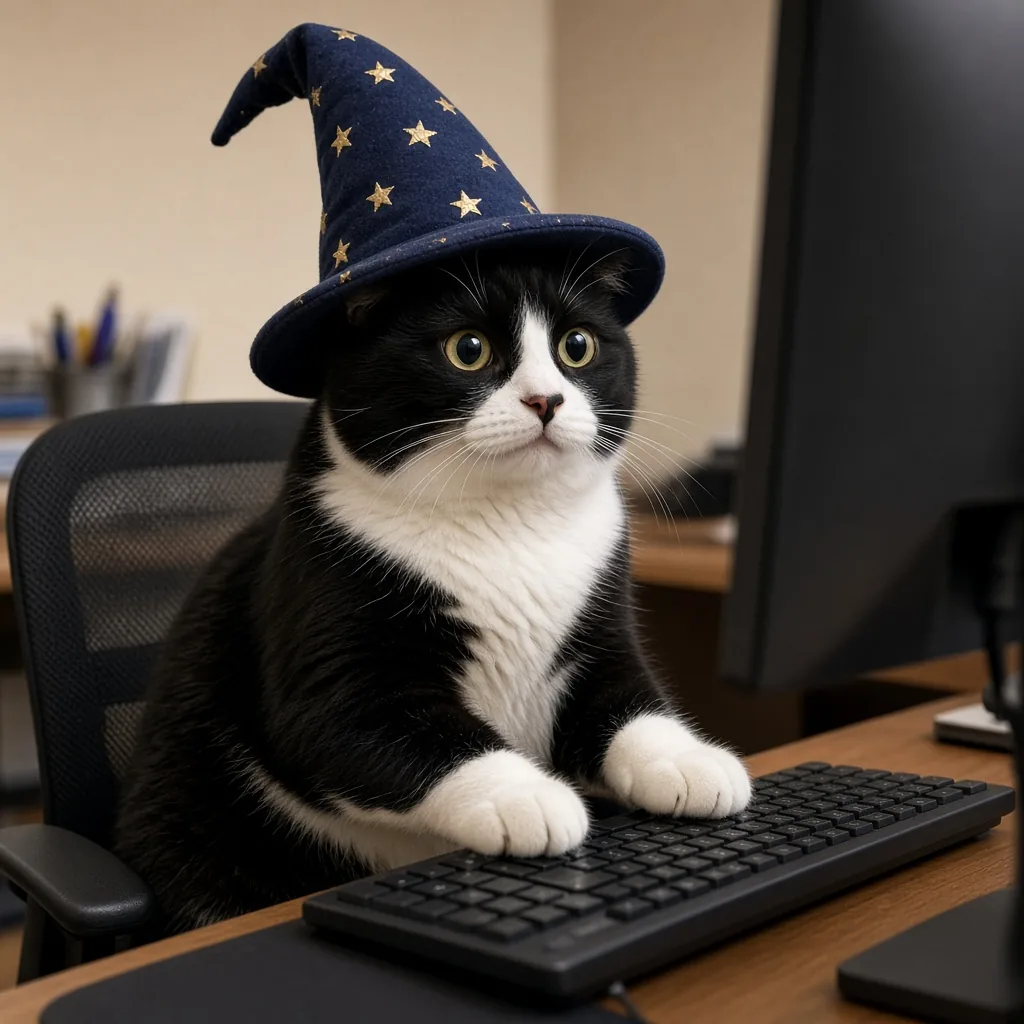
'Me at work': a chubby cat in a starry wizard hat types fast at an office computer, presses one key hard, sits very still, then slams both paws on the keyboard. The AI reel was posted on 7 October 2026 and #wizardcat had 137.8 million TikTok views by 10 November. Make it with your own pet, or yourself.
Wizard Cat Keyboard Smash is an AI video trend tracked on Viral Trend Video. Below you will find the steps to make it, answers to common questions and related trends.
First seen: ·Updated:
Radar. A new trend we are tracking. There is no featured video yet (the image is an illustration of the effect), so this page gives the description, an original prompt and the steps to make it. Seen on TikTok.
Generate it yourself
Make your own video of Wizard Cat Keyboard Smash from your photo. Upload it on trendai.video, check the credit cost and generate.
The prompt
Original prompt written for this page. Replace the [bracketed] parts with your own photo or subject.
Using [YOUR PET PHOTO] as the reference, keep my pet's exact face, fur colour and markings. It sits upright on an office chair at a desk in front of a computer keyboard and monitor, wearing a dark-blue wizard hat with small gold stars. Warm office lighting, real photograph look, side-front angle, vertical 9:16, no brand logos, no readable screen text.
Animate the image. The pet types very fast on the keyboard with both front paws, presses one key hard and holds it, then freezes and stares at the screen for a long beat. Suddenly it slams both paws down on the keyboard in frustration and looks into the camera. The hat wobbles. Keep the pet identical. No text, no screen text.
Seedance-style timeline: if your model reads time ranges, split the video prompt like this. 0–3s: fast typing. 3–5s: one hard key press, frozen stare. 5–7s: double-paw keyboard smash and look at camera.
Use it safely: Use only your own pet or yourself. Do not copy the original account's named character. Say it is AI-made.
How it’s made
- Tool
- Image model that accepts a reference photo (for example Nano Banana, GPT Image or Flux Kontext), then an image-to-video model (for example Seedance, Kling or Veo)
- You need
- One clear photo of your pet (or yourself)
- Result
- 6–8 seconds
- Pick a photo where your pet is sitting up.
- Generate the office still with the wizard hat.
- Animate with the video prompt.
- Keep the take with the clearest pause before the smash.
- Caption it 'me at work' and use a royalty-free sound.
Two tips
- Write 'chubby, fluffy' if your pet is lean and you want the original's comic look.
- Keep the monitor blank or blurred to avoid fake brand screens.
Common mistake
Human hands appear on the keyboard. Say 'only the pet's paws touch the keyboard, no human hands'.
Frequently asked questions
What is Wizard Cat Keyboard Smash?
'Me at work': a chubby cat in a starry wizard hat types fast at an office computer, presses one key hard, sits very still, then slams both paws on the keyboard. The AI reel was posted on 7 October 2026 and #wizardcat had 137.8 million TikTok views by 10 November. Make it with your own pet, or yourself. First seen: Oct 7, 2026.
Is Wizard Cat Keyboard Smash still trending?
It is on the Viral Trend Video radar: a new trend we are tracking, with no rating yet. First seen Oct 7, 2026 on TikTok. Radar is a tracking label, not a measured popularity score.
Where can I see more AI video trends like Wizard Cat Keyboard Smash?
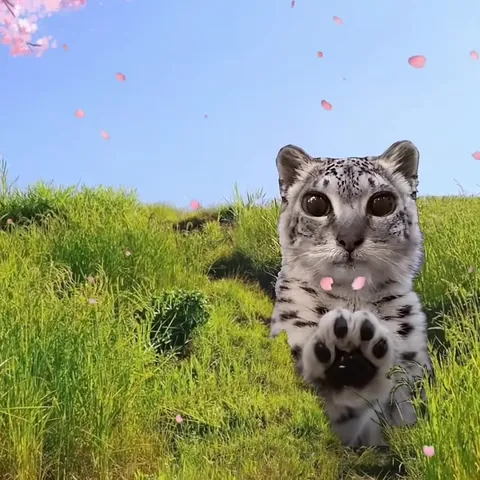
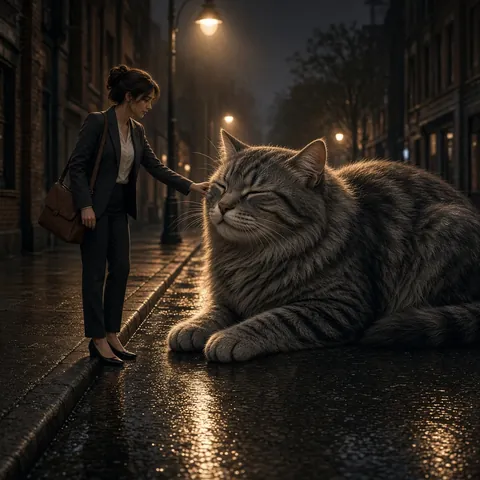
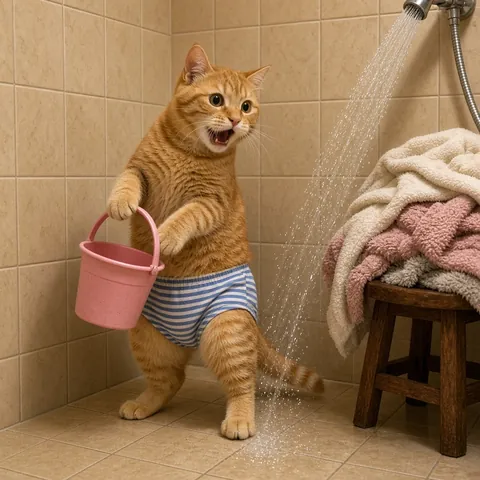
Browse the full board on Viral Trend Video. Related trends: Paws At You Snow Leopard Pet, Giant Pet Taxi, Cat Cold Shower Dodge.
Paws At You Snow Leopard PetGiant Pet TaxiCat Cold Shower DodgeFull board
What prompt can I use for Wizard Cat Keyboard Smash?
Using [YOUR PET PHOTO] as the reference, keep my pet's exact face, fur colour and markings. It sits upright on an office chair at a desk in front of a computer keyboard and monitor, wearing a dark-blue wizard hat with small gold stars. Warm office lighting, real photograph look, side-front angle, vertical 9:16, no brand logos, no readable screen text. (original prompt written for this page; replace the [bracketed] parts with your own photo or subject.)
What do I need?
One clear photo of your pet (or yourself)
What's the most common mistake?
Human hands appear on the keyboard. Say 'only the pet's paws touch the keyboard, no human hands'.
Updated
More pet trends
More from October 2026
All of October 2026 →Get the daily digest
New and shifting trends by email. No account needed. Prefer feeds? RSS · JSON
Sponsored Digest sponsor line: Your brand here (open slot)