Santa's Nice List Gold Frame
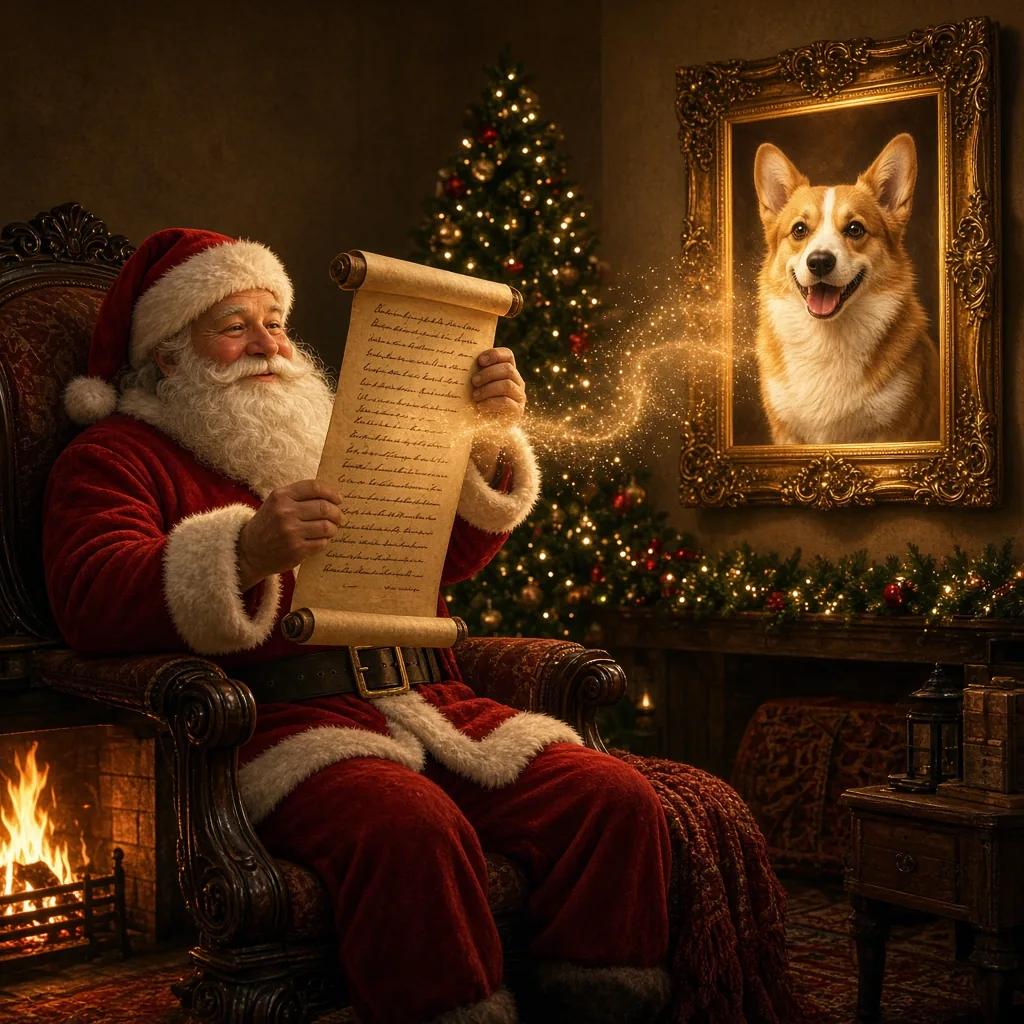
Santa sits in a carved armchair, a long scroll rolls across the floor, he holds up the Naughty & Nice list, and gold sparkles swirl into a gold frame that shows your photo: you made the nice list. The template's sound was first posted on 5 November 2026 and was on 9,391 videos by 8 November. This recipe is for adults and pets.
Santa's Nice List Gold Frame is an AI video trend tracked on Viral Trend Video. Below you will find the steps to make it, answers to common questions and related trends.
First seen: ·Updated:
Radar. A new trend we are tracking. There is no featured video yet (the image is an illustration of the effect), so this page gives the description, an original prompt and the steps to make it. Seen on TikTok.
What you’ll need
- A model: an AI image-to-video model that accepts a reference photo
- A reference photo of your own
The prompt
Original prompt written for this page. Replace the [bracketed] parts with your own photo or subject.
Using [YOUR PHOTO] as the reference, place the exact person (or pet) from the photo inside an ornate gold picture frame that glows softly, hanging in a warm Christmas living room with a fireplace and tree lights. Real photo look, vertical 9:16, no text.
A cosy Christmas living room by firelight. A jolly fictional Santa with a white beard sits in a carved wooden armchair and unrolls a very long parchment scroll that rolls across the floor. He reads, smiles, and holds up the scroll toward the camera. Golden sparkles lift off the page and swirl into an ornate gold frame, and the frame clears to reveal the person (or pet) from the reference image, glowing. Last frame matches the provided still. No readable text except a short title 'Nice List' on the scroll.
Seedance-style timeline: if your model reads time ranges, split the video prompt like this. 0–3s: Santa unrolls the scroll. 3–5s: he holds it up and smiles. 5–8s: sparkles swirl into the gold frame. 8–10s: your photo appears in the frame.
Use it safely: Use photos of yourself or your pets only; do not post photos of children. Say it is AI-made and use no copyrighted music.
How it’s made
- Tool
- Image model that accepts a reference photo (for example Nano Banana, GPT Image or Flux Kontext), then an image-to-video model (for example Seedance, Kling or Veo)
- You need
- One clear photo of yourself or your pet
- Result
- 8–10 seconds
- Pick a cheerful photo of yourself or your pet.
- Generate the gold-frame still and use it as the last frame.
- Use a model with first and last frame, paste the video prompt.
- Render 8–10 seconds vertical.
- Add royalty-free sleigh bells and post it with 'I made the nice list'.
Two tips
- Keep Santa generic and fictional; do not copy a film or ad Santa.
- If the scroll text is garbled, ask for 'unreadable cursive handwriting' apart from the title.
Common mistake
Your face appears on Santa. Say 'Santa is a fictional older man; the reference face appears only inside the frame'.
Frequently asked questions
What is Santa's Nice List Gold Frame?
Santa sits in a carved armchair, a long scroll rolls across the floor, he holds up the Naughty & Nice list, and gold sparkles swirl into a gold frame that shows your photo: you made the nice list. The template's sound was first posted on 5 November 2026 and was on 9,391 videos by 8 November. This recipe is for adults and pets. First seen: Nov 5, 2026.
How do I make Santa's Nice List Gold Frame?
1. Pick a cheerful photo of yourself or your pet. 2. Generate the gold-frame still and use it as the last frame. 3. Use a model with first and last frame, paste the video prompt. 4. Render 8–10 seconds vertical. 5. Add royalty-free sleigh bells and post it with 'I made the nice list'.
Can I use my own photo for Santa's Nice List Gold Frame?
Yes. This trend is built around your own photo: Santa sits in a carved armchair, a long scroll rolls across the floor, he holds up the Naughty & Nice list, and gold sparkles swirl into a gold frame that shows your photo: you…
Which AI model should I use for Santa's Nice List Gold Frame?
We have no verified best-model pick for this trend. Use an AI image-to-video model that accepts a reference photo and check the model's current terms and pricing yourself.
Is Santa's Nice List Gold Frame still trending?
It is on the Viral Trend Video radar: a new trend we are tracking, with no rating yet. First seen Nov 5, 2026 on TikTok. Radar is a tracking label, not a measured popularity score.
Where can I see more AI video trends like Santa's Nice List Gold Frame?
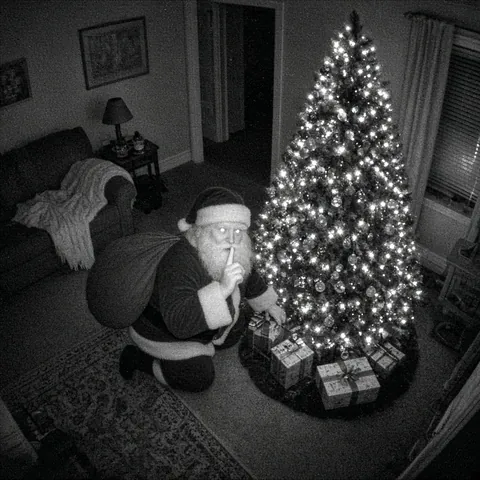
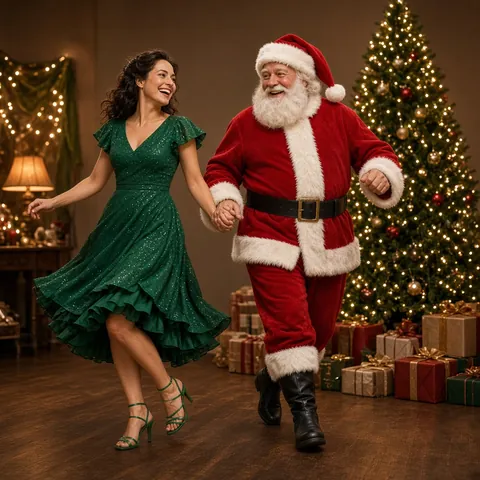
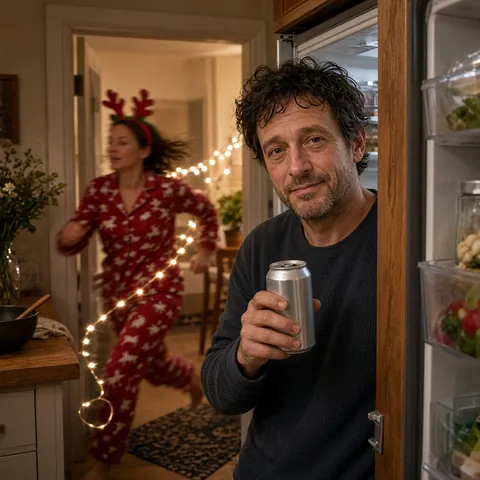
Browse the full board on Viral Trend Video. Related trends: Santa Caught on Camera, Dance With Santa, November 1st Christmas Lights Dash.
Santa Caught on CameraDance With SantaNovember 1st Christmas Lights DashFull board
What prompt can I use for Santa's Nice List Gold Frame?
Using [YOUR PHOTO] as the reference, place the exact person (or pet) from the photo inside an ornate gold picture frame that glows softly, hanging in a warm Christmas living room with a fireplace and tree lights. Real photo look, vertical 9:16, no text. (original prompt written for this page; replace the [bracketed] parts with your own photo or subject.)
What do I need?
One clear photo of yourself or your pet
What's the most common mistake?
Your face appears on Santa. Say 'Santa is a fictional older man; the reference face appears only inside the frame'.
Updated
More seasonal trends

More from November 2026
All of November 2026 →Get the daily digest
New and shifting trends by email. No account needed. Prefer feeds? RSS · JSON
Sponsored Digest sponsor line: Your brand here (open slot)