Seal Filter for Pets
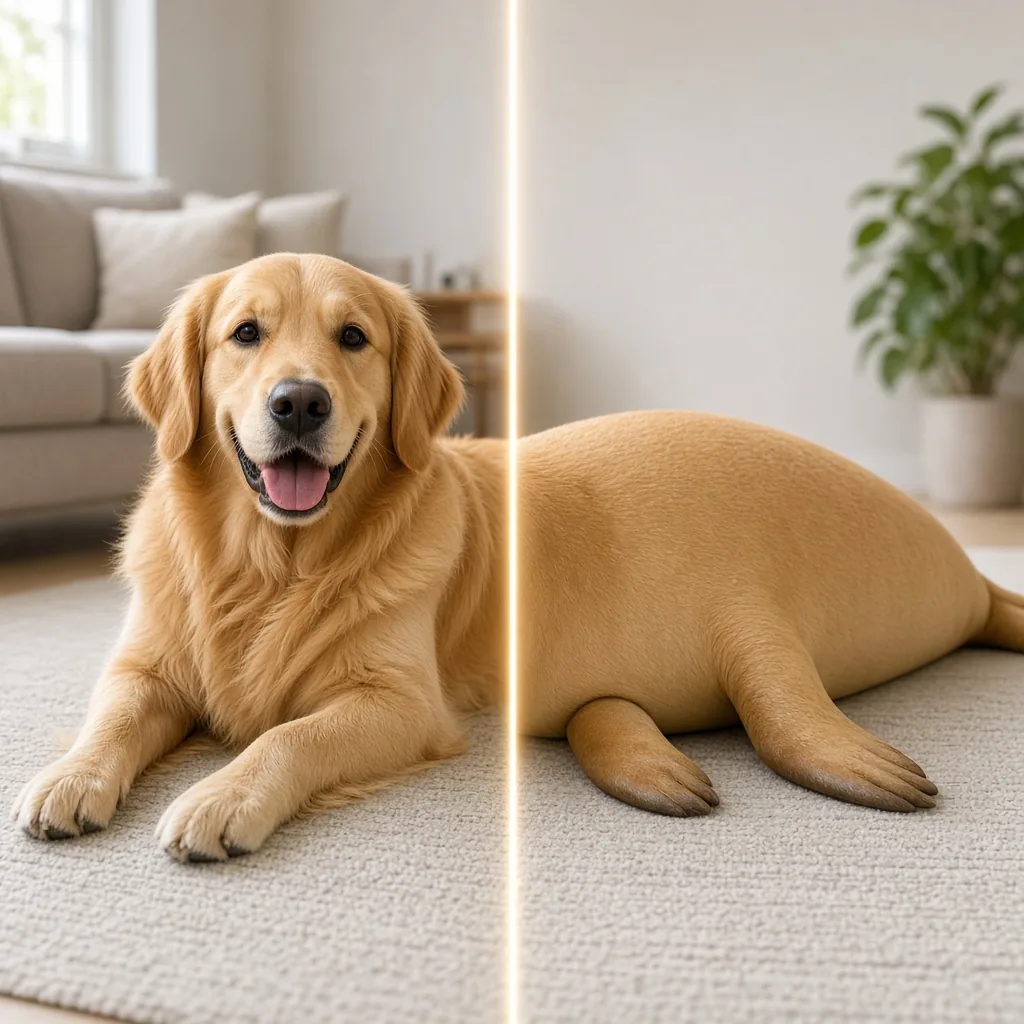
'Trying the seal filter': a line sweeps across a photo of your dog or cat and it becomes a chubby seal with flippers, keeping its own head and fur colour. It started on 3 June 2026, a bulldog clip reached 1.8 million views in July, and by 30 October the sound was on 3,720 videos.
Seal Filter for Pets is an AI video trend tracked on Viral Trend Video. Below you will find the steps to make it, answers to common questions and related trends.
First seen: ·Updated:
Radar. A new trend we are tracking. There is no featured video yet (the image is an illustration of the effect), so this page gives the description, an original prompt and the steps to make it. Seen on TikTok.
Generate it yourself
Make your own video of Seal Filter for Pets from your photo. Upload it on imageat.com, check the credit cost and generate.
What you’ll need
- A model: an AI image-to-video model that accepts a reference photo
- A reference photo of your own
The prompt
Original prompt written for this page. Replace the [bracketed] parts with your own photo or subject.
Using [YOUR PET PHOTO] as the reference, keep the pet's exact head, face, eyes, ears, fur colour and markings, but give it the plump, smooth body of a seal with front flippers and a tail fin, fur pattern continuing onto the seal body. It lies on the same spot as in the photo. Real photograph look, cute and funny, no text, no logos.
Start on the original pet photo. A bright horizontal scan line sweeps slowly from left to right; everything behind the line becomes the seal version of the pet from the second image. When the line reaches the edge, the seal-pet wiggles, flaps its flippers once and tilts its head at the camera. Keep the head identical throughout. No text.
Seedance-style timeline: if your model reads time ranges, split the video prompt like this. 0–2s: original pet. 2–4s: scan line sweeps and transforms. 4–6s: seal-pet wiggles and flaps.
Use it safely: Use only photos of your own pets, and say it is AI-made when you share it. Use no copyrighted music.
How it’s made
- Tool
- Image model that accepts a reference photo (for example Nano Banana, GPT Image or Flux Kontext), then an image-to-video model (for example Seedance, Kling or Veo)
- You need
- One clear photo of your own dog or cat
- Result
- One still plus a 5–6 second clip
- Pick a photo where your pet lies down or sits, with the whole body visible.
- Make the seal still with the image prompt and keep the version where the face is unchanged.
- Use a model that supports first and last frame: original photo as first frame, seal still as last frame.
- Paste the video prompt and render 5–6 seconds.
- Add a royalty-free sound or no audio and caption it 'trying the seal filter'.
Two tips
- Black and grey pets look most seal-like; for light pets ask for 'sleek wet-looking fur in the pet's own colour'.
- Ask for 'the head stays exactly the same size' so the seal body does not shrink the face.
Common mistake
The pet turns into a real seal with no trace of your pet. Say the head, eyes and markings must stay identical and only the body changes.
Frequently asked questions
What is Seal Filter for Pets?
'Trying the seal filter': a line sweeps across a photo of your dog or cat and it becomes a chubby seal with flippers, keeping its own head and fur colour. It started on 3 June 2026, a bulldog clip reached 1.8 million views in July, and by 30 October the sound was on 3,720 videos. First seen: Jun 3, 2026.
How do I make Seal Filter for Pets?
1. Pick a photo where your pet lies down or sits, with the whole body visible. 2. Make the seal still with the image prompt and keep the version where the face is unchanged. 3. Use a model that supports first and last frame: original photo as first frame, seal still as last frame. 4. Paste the video prompt and render 5–6 seconds. 5. Add a royalty-free sound or no audio and caption it 'trying the seal filter'.
Can I use my own photo for Seal Filter for Pets?
Yes. This trend is built around your own photo: 'Trying the seal filter': a line sweeps across a photo of your dog or cat and it becomes a chubby seal with flippers, keeping its own head and fur colour.
Which AI model should I use for Seal Filter for Pets?
We have no verified best-model pick for this trend. Use an AI image-to-video model that accepts a reference photo and check the model's current terms and pricing yourself.
Is Seal Filter for Pets still trending?
It is on the Viral Trend Video radar: a new trend we are tracking, with no rating yet. First seen Jun 3, 2026 on TikTok. Radar is a tracking label, not a measured popularity score.
Where can I see more AI video trends like Seal Filter for Pets?
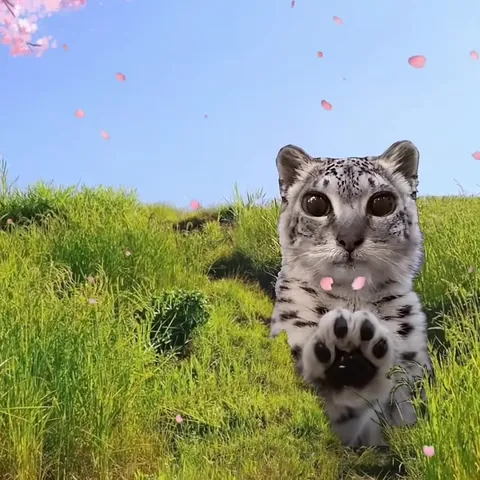
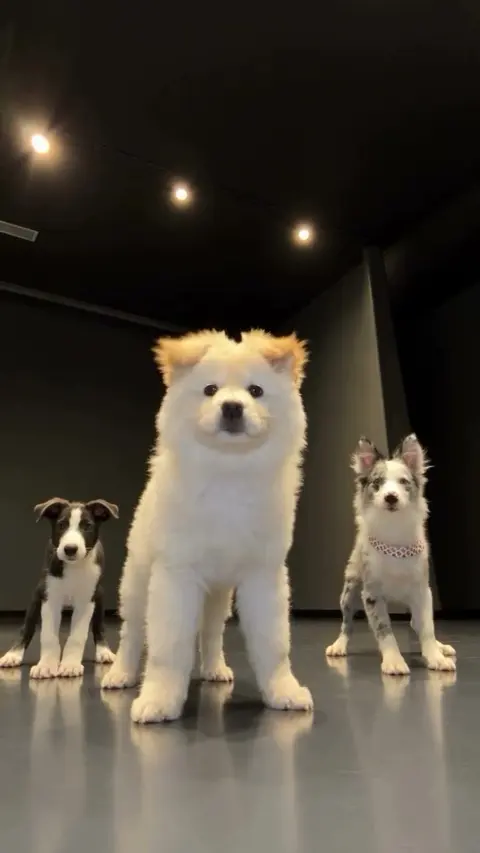
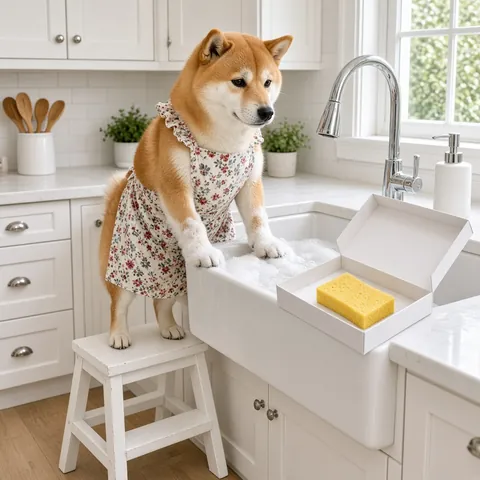
Browse the full board on Viral Trend Video. Related trends: Paws At You Snow Leopard Pet, Dancing Pets AI Video, Pet Washing Dishes Phone Box Prank.
Paws At You Snow Leopard PetDancing Pets AI VideoPet Washing Dishes Phone Box PrankFull board
What prompt can I use for Seal Filter for Pets?
Using [YOUR PET PHOTO] as the reference, keep the pet's exact head, face, eyes, ears, fur colour and markings, but give it the plump, smooth body of a seal with front flippers and a tail fin, fur pattern continuing onto the seal body. It lies on the same spot as in the photo. Real photograph look, cute and funny, no text, no logos. (original prompt written for this page; replace the [bracketed] parts with your own photo or subject.)
What do I need?
One clear photo of your own dog or cat
What's the most common mistake?
The pet turns into a real seal with no trace of your pet. Say the head, eyes and markings must stay identical and only the body changes.
Updated
More pet trends

More from June 2026
All of June 2026 →Get the daily digest
New and shifting trends by email. No account needed. Prefer feeds? RSS · JSON
Sponsored Digest sponsor line: Your brand here (open slot)