 Viral Trend Video
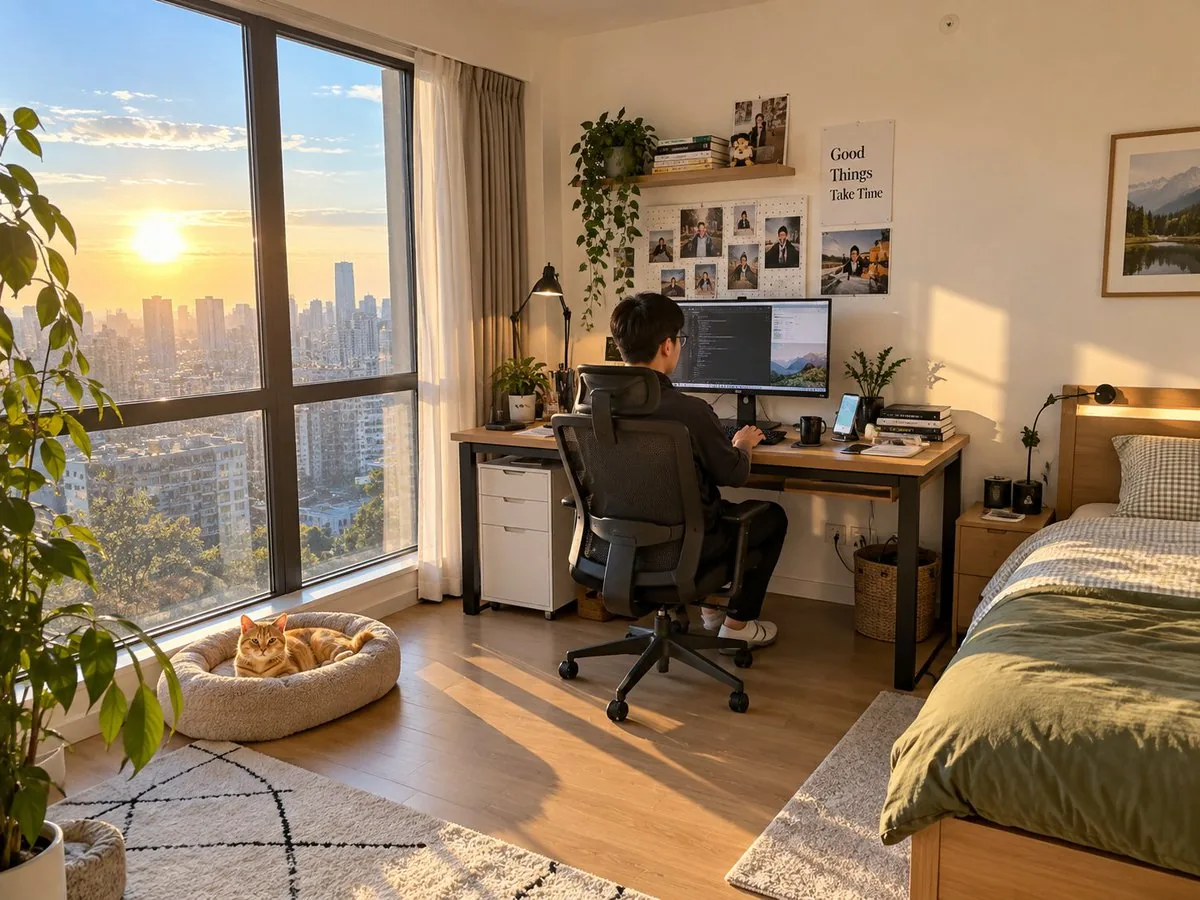
Realistic Room Promotion Render from Sketch
A comprehensive prompt that uses a hand-drawn room layout as a structural guide to generate a realistic real estate promotional photo with natural lighting.
Realistic Room Promotion Render from Sketch is a free GPT Image 2 product prompt for E-commerce Main Image. Copy it, swap in your own details, and credit 安伈XinAn.
Published: ·Prompt for: GPT Image 2
The full prompt
Create a real-life room promotional image to market my room to potential tenants. The theme is room layout: a large floor-to-ceiling window on the left with excellent sunlight and lighting. Beside the window is a cat bed with a [orange cat] lying on it. Inside the bedroom is a large desk with daily items like a computer, keyboard, mouse, and phone. A young Chinese male is sitting on an ergonomic chair operating the computer. To the right of the desk is a single bed. The overall spatial relationship follows the sketch. Lighting and textures should look like a bedroom photo taken with a phone. Hard requirements: all items drawn in the sketch must appear, including the sun outside the window. Problems to avoid: do not include any elements or phenomena that contradict real daily life. Other proportions and room details are up to you to ensure a natural, realistic, and unforced effect.
Have it running in three steps
- Open GPT Image 2 or the image model you already use.
- Paste the prompt above and fill in the [brackets].
- Generate a few versions and keep the best one.
What you’ll need
- A model: GPT Image 2
- The prompt on this page (use the Copy button)
- Your own details for the placeholder in [brackets]
The whole process
- Open GPT Image 2, or the image model you already use.
- Copy the prompt with the Copy button.
- Replace the placeholder in [brackets] with your own details.
- Paste it in and generate a few versions.
- Keep the best result and tweak one detail at a time.
What’s in this prompt
It is a product prompt for GPT Image 2, 893 characters long, with 1 placeholder you can change: [orange cat].
Frequently asked questions
What is the Realistic Room Promotion Render from Sketch prompt?
A comprehensive prompt that uses a hand-drawn room layout as a structural guide to generate a realistic real estate promotional photo with natural lighting. It is a product prompt written for GPT Image 2, for E-commerce Main Image.
How do I use the Realistic Room Promotion Render from Sketch prompt?
1. Open GPT Image 2, or the image model you already use. 2. Copy the prompt with the Copy button. 3. Replace the placeholder in [brackets] with your own details. 4. Paste it in and generate a few versions. 5. Keep the best result and tweak one detail at a time.
Which AI model is it for?
It is listed for GPT Image 2. We have not verified it on other models.
Is the prompt free?
Yes. It is shared under CC BY 4.0 by 安伈XinAn via awesome-gpt-image-2. You can copy and adapt it, keeping the credit to the creator.
What can I change in it?
The prompt has 1 placeholder in [brackets]: [orange cat]. Replace them with your own subject, text or details.
Who created it?
安伈XinAn, published Sep 9, 2026. Collected by awesome-gpt-image-2 (YouMind OpenLab).
How long is the prompt?
893 characters, about 152 words.
Where can I find more GPT Image 2 prompts?
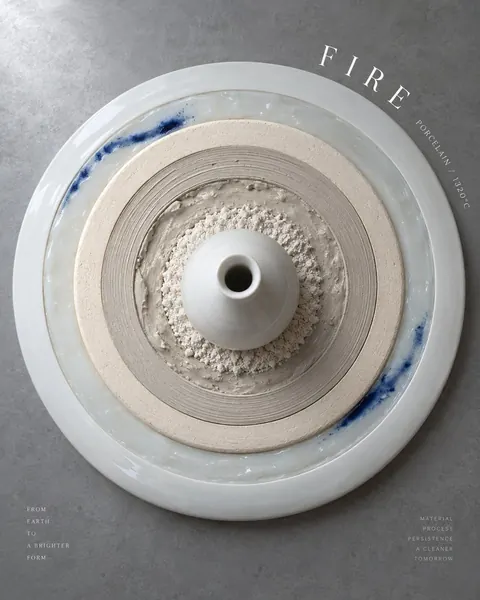
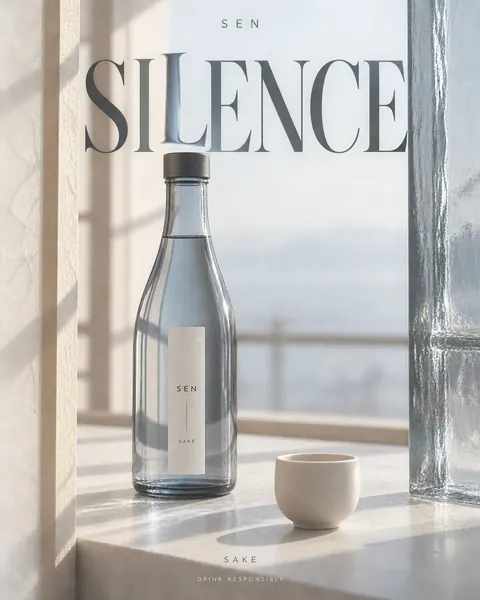
Browse all prompts on Viral Trend Video. Related: Ceramic Kiln Fire Growth Rings Poster, GPT-Image-2 Alcohol Poster, Brown Gingham Street Style.
Ceramic Kiln Fire Growth Rings PosterGPT-Image-2 Alcohol PosterBrown Gingham Street StyleAll prompts
Published
More GPT Image 2 prompts

Get the daily digest
New and shifting trends by email. No account needed. Prefer feeds? RSS · JSON
Sponsored Digest sponsor line: Your brand here (open slot)
Prompt by 安伈XinAn · via YouMind OpenLab · CC BY 4.0 · Credits