 Viral Trend Video
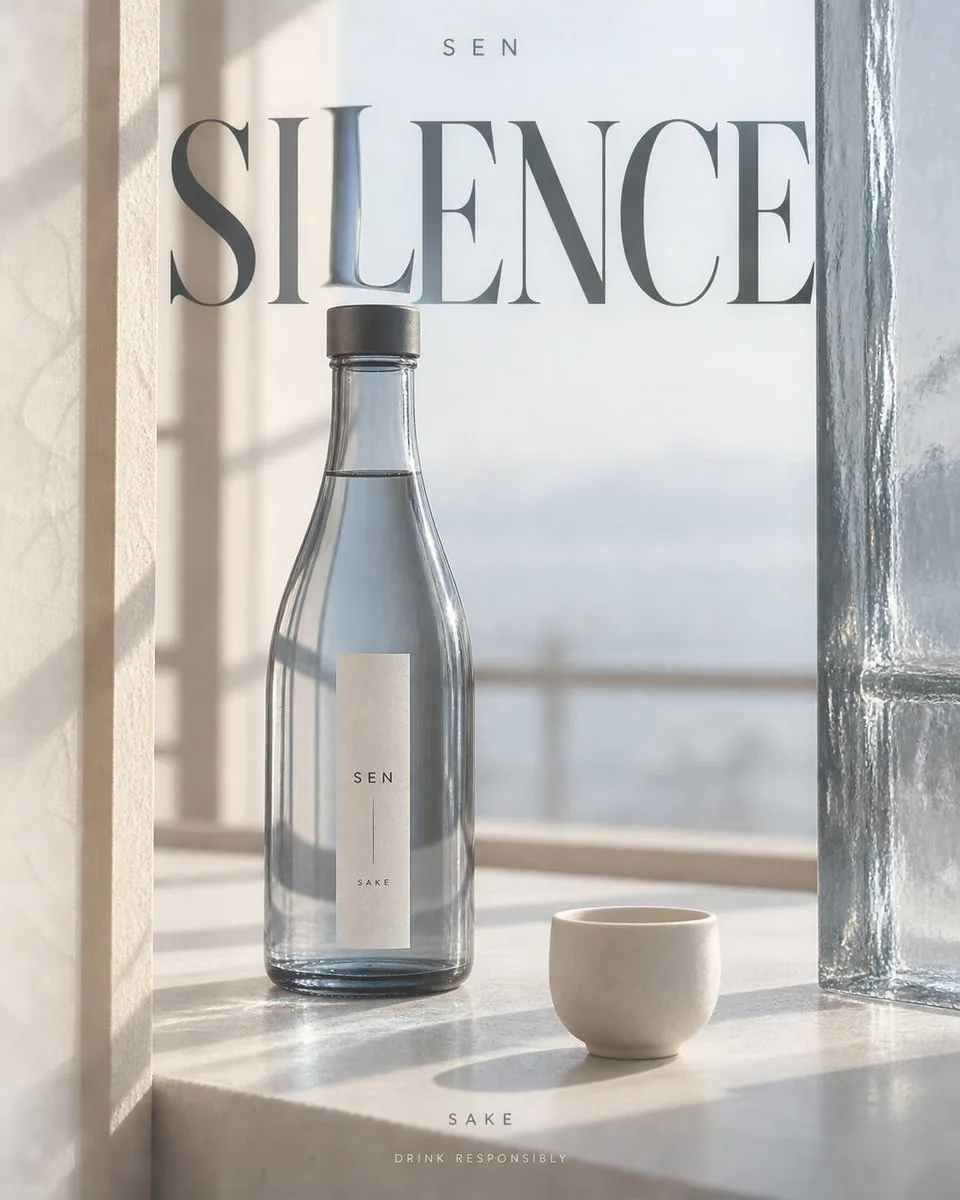
GPT-Image-2 Alcohol Poster
A detailed prompt for generating realistic commercial alcohol posters with specific material interactions and lighting effects using GPT-Image-2.
GPT-Image-2 Alcohol Poster is a free GPT Image 2 product prompt for Product Marketing. Copy it, swap in your own details, and credit 蛋黄堡.
Published: ·Prompt for: GPT Image 2
The full prompt
Create a 4:5 vertical alcohol promotional poster, outputting only one independent finished piece at a time.

Fixed visual language: Realistic commercial still life photography, warm ivory negative space, huge high-contrast serif titles, restrained editorial typography. Use the wine bottle and transparent medium to refract text, combined with bright channels formed by materials on both sides; no neon, glowing outlines, generic e-commerce cards, or golden luxury decorations.

Arrange [product] according to [scene and lens]. Let [materials on both sides] enter the frame in close-up, partially cropped, forming asymmetric vertical negative space. The opening can slowly expand and contract with the lens, do not make it a mirrored doorframe. The bottle occupies about half to two-thirds of the screen height, fully recognizable in the negative space, with slight occlusion from one side's material; the upper part should still have breathing room. The materials on both sides must come from the storage, packaging, or drinking context of this liquor, without adding irrelevant caves, flower fields, or uniformly replicated photographic backgrounds.

Place the large title [title] across layers in the upper middle section, letting a small segment of its strokes pass behind the wine bottle or transparent medium, undergoing local magnification, displacement, or color filtering in the [optical event]. Parts of the text not passing through the medium remain normally clear; deformation is limited to the light-transmitting area, cannot twist the entire title into waves. Use [primary color] as the only strong color, assisted by warm ivory and charcoal black; light transmission through the liquid, glass thickness, contact shadows, condensation, and projections must be credible, do not draw optical effects as lasers.

[Brand] is placed at the top in a small, sparse sans-serif font; [Category] and "Drink Responsibly" are at the bottom as two lines of small text. The bottle label uses only the brand and category, leaving clean information density. Only the above text is allowed in the entire image, do not automatically add slogans, vintages, alcohol content, awards, origins, prices, or unprovided product claims. No people in the scene, do not depict excessive drinking.

Preserve delicate natural material textures and precise glass highlights, avoid heavy CGI, floating products, extra bottles, random letters, glare stacking, collages, and watermarks. Scene, lens, bottle shape, and optical events change with variables, but the visual language of warm ivory negative space, serif main titles, and local refraction remains consistent.
Have it running in three steps
- Open GPT Image 2 or the image model you already use.
- Paste the prompt above and fill in the [brackets].
- Generate a few versions and keep the best one.
What you’ll need
- A model: GPT Image 2
- The prompt on this page (use the Copy button)
- Your own details for the 8 placeholders in [brackets]
The whole process
- Open GPT Image 2, or the image model you already use.
- Copy the prompt with the Copy button.
- Replace the 8 placeholders in [brackets] with your own details.
- Paste it in and generate a few versions.
- Keep the best result and tweak one detail at a time.
What’s in this prompt
It is a product prompt for GPT Image 2, 2,648 characters long, with 8 placeholders you can change: [product], [scene and lens], [materials on both sides], [title], [optical event], [primary color], [Brand], [Category].
Frequently asked questions
What is the GPT-Image-2 Alcohol Poster prompt?
A detailed prompt for generating realistic commercial alcohol posters with specific material interactions and lighting effects using GPT-Image-2. It is a product prompt written for GPT Image 2, for Product Marketing.
How do I use the GPT-Image-2 Alcohol Poster prompt?
1. Open GPT Image 2, or the image model you already use. 2. Copy the prompt with the Copy button. 3. Replace the 8 placeholders in [brackets] with your own details. 4. Paste it in and generate a few versions. 5. Keep the best result and tweak one detail at a time.
Which AI model is it for?
It is listed for GPT Image 2. We have not verified it on other models.
Is the prompt free?
Yes. It is shared under CC BY 4.0 by 蛋黄堡 via awesome-gpt-image-2. You can copy and adapt it, keeping the credit to the creator.
What can I change in it?
The prompt has 8 placeholders in [brackets]: [product], [scene and lens], [materials on both sides], [title], [optical event], [primary color], [Brand], [Category]. Replace them with your own subject, text or details.
Who created it?
蛋黄堡, published Oct 16, 2026. Collected by awesome-gpt-image-2 (YouMind OpenLab).
How long is the prompt?
2,648 characters, about 392 words.
Where can I find more GPT Image 2 prompts?
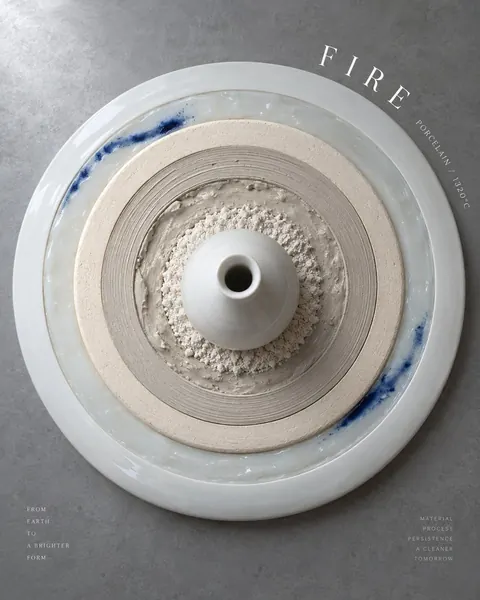
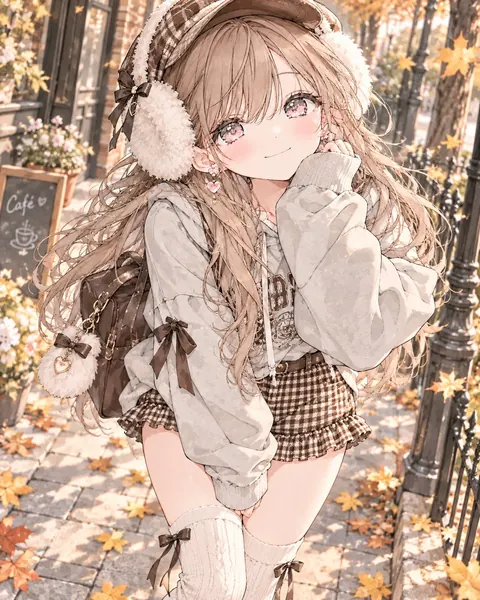
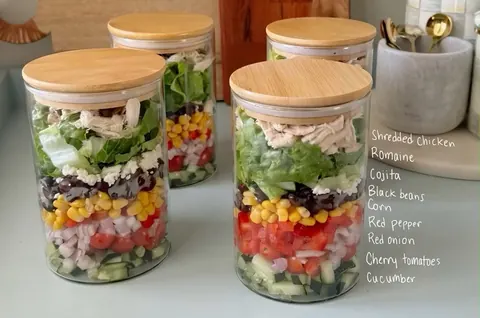
Browse all prompts on Viral Trend Video. Related: Ceramic Kiln Fire Growth Rings Poster, Brown Gingham Street Style, Layered Chicken Salad Meal Prep Jars.
Ceramic Kiln Fire Growth Rings PosterBrown Gingham Street StyleLayered Chicken Salad Meal Prep JarsAll prompts
Published
More GPT Image 2 prompts
Get the daily digest
New and shifting trends by email. No account needed. Prefer feeds? RSS · JSON
Sponsored Digest sponsor line: Your brand here (open slot)
Prompt by 蛋黄堡 · via YouMind OpenLab · CC BY 4.0 · Credits