 Viral Trend Video
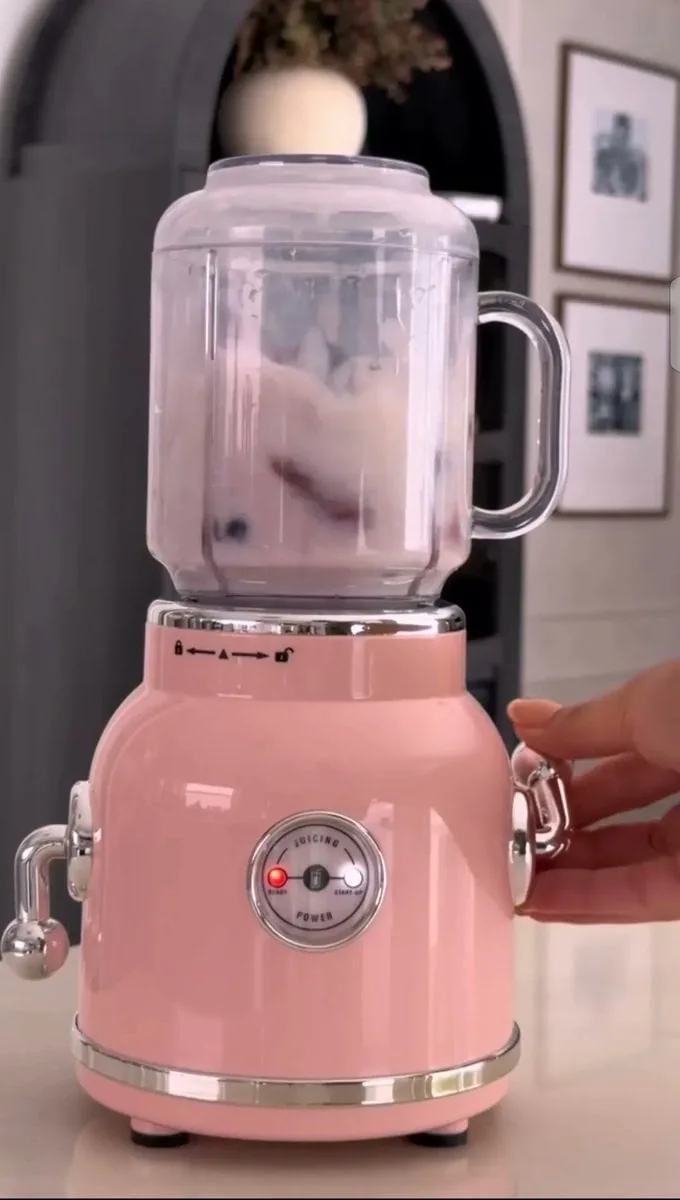
Pastel Pink Retro Blender Kitchen Shot
Creates a luxury close-up of a glossy pink retro blender with chrome accents mixing a pale smoothie on a modern kitchen counter, a hand on its handle. Suited to appliance listings and kitchenware ads.
Pastel Pink Retro Blender Kitchen Shot is a free GPT Image 2 product prompt. Copy it, swap in your own details.
Published: ·Prompt for: GPT Image 2
The full prompt
A premium photorealistic close-up of a vintage-style pastel pink blender on a modern kitchen countertop. The blender has a glossy pink retro body with polished chrome accents, a transparent glass jar with a clear handle, and a round front control dial with a glowing red indicator light. Inside the jar, pale pink and white ingredients are being blended, creating a smooth swirling motion. A woman’s hand is gently holding the chrome side handle on the right. Elegant modern kitchen background with dark arched doorway, framed minimalist artwork, soft warm indoor lighting, shallow depth of field, realistic reflections on the chrome and glass, luxury product photography, cinematic composition, highly detailed, natural textures, vertical 9:16.
Have it running in three steps
- Open GPT Image 2 or the image model you already use.
- Paste the prompt above.
- Generate a few versions and keep the best one.
What you’ll need
- A model: GPT Image 2
- The prompt on this page (use the Copy button)
The whole process
- Open GPT Image 2, or the image model you already use.
- Copy the prompt with the Copy button.
- Paste it in and generate a few versions.
- Keep the best result and tweak one detail at a time.
What’s in this prompt
It is a product prompt for GPT Image 2, 745 characters long.
Frequently asked questions
What is the Pastel Pink Retro Blender Kitchen Shot prompt?
Creates a luxury close-up of a glossy pink retro blender with chrome accents mixing a pale smoothie on a modern kitchen counter, a hand on its handle. Suited to appliance listings and kitchenware ads. It is a product prompt written for GPT Image 2.
How do I use the Pastel Pink Retro Blender Kitchen Shot prompt?
1. Open GPT Image 2, or the image model you already use. 2. Copy the prompt with the Copy button. 3. Paste it in and generate a few versions. 4. Keep the best result and tweak one detail at a time.
Which AI model is it for?
It is listed for GPT Image 2. We have not verified it on other models.
Is the prompt free to copy?
Yes, you can copy the prompt text from this page and use it in GPT Image 2 at no cost. Check the terms and pricing of the model you run it in.
When was it added?
It has been listed on Viral Trend Video since Sep 12, 2026. The example image above shows a result for this prompt.
How long is the prompt?
745 characters, about 113 words.
Where can I find more GPT Image 2 prompts?
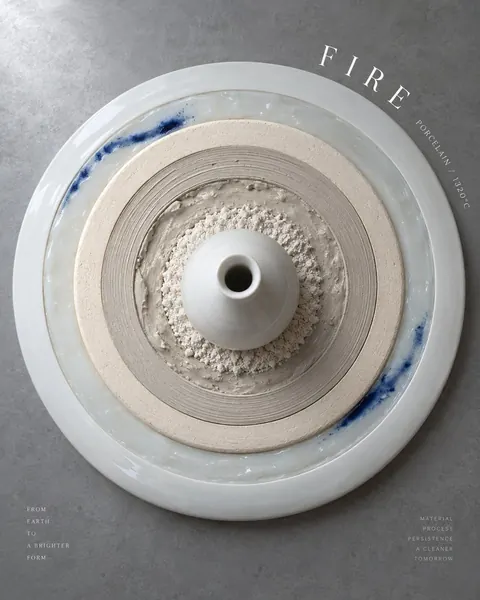
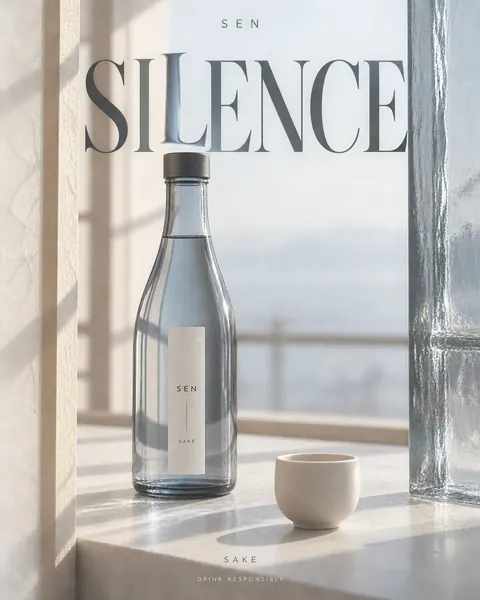
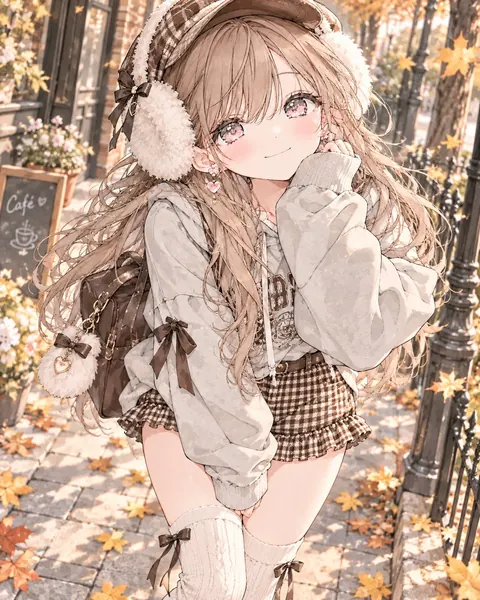
Browse all prompts on Viral Trend Video. Related: Ceramic Kiln Fire Growth Rings Poster, GPT-Image-2 Alcohol Poster, Brown Gingham Street Style.
Ceramic Kiln Fire Growth Rings PosterGPT-Image-2 Alcohol PosterBrown Gingham Street StyleAll prompts
Published · Updated
More GPT Image 2 prompts
Get the daily digest
New and shifting trends by email. No account needed. Prefer feeds? RSS · JSON
Sponsored Digest sponsor line: Your brand here (open slot)