Best AI Video Generators for TikTok Viral Trends (2026)
9 min read
Make viral TikTok, Reels and Shorts trend videos with AI. We compare trendai.video, imageat, PixVerse, Higgsfield and more on templates, price and speed.
Try imageat free →
On this page
- Quick picks
- What makes a good trend video tool
- 1. trendai.video: best overall for viral trends
- 2. imageat: best for trends plus brand content
- 3. PixVerse: best free option with templates
- 4. Higgsfield: best for cinematic presets
- 5. Dreamina (CapCut): best if you edit in CapCut
- 6. Kling AI: best for long trend clips
- 7. Hailuo AI: best cheap realism
- 8. Vidu: best for anime-style trends
- Trends to try this week
- Tips for trend videos that actually perform
- FAQ
- What is the best AI tool for TikTok trends?
- Can I make TikTok trend videos for free?
- How long should an AI TikTok trend video be?
- Do I need to write prompts?
- Can I use these videos for my business?
Trends on TikTok, Reels and Shorts move in days, not weeks. By the time you've written a prompt, tested three models and fixed the aspect ratio, the moment can be gone. That's why the best AI video generator for trends isn't always the one with the "best" model. It's the one that gets a vertical, on-trend clip onto your phone fastest.
We track AI video trends every day on Viral Trend Video, so we know what this workflow looks like. This guide compares the tools that are actually built for trend content, with prices from their own pages (November 2026).
Disclosure: Viral Trend Video is run by the team behind trendai.video and imageat, ranked #1 and #2 below. We list their limits too.
Quick picks
| # | Tool | How it works | Trend library | Starting price | Free option |
|---|---|---|---|---|---|
| 1 | trendai.video | Pick a trend, upload a photo, download | 636 templates, 1,000+ effects | $9.99/week | No free plan listed |
| 2 | imageat | Trends + Trend Studio format remixes + every model | 501 trends, 100+ remix formats | $9.99/mo | Free sign-up |
| 3 | PixVerse | Templates and effects with daily credits | Templates and effects | $10/mo ($8 yearly) | 60 + 30 credits/day |
| 4 | Higgsfield | Presets, Shorts and Short Drama tools | Presets | $19/mo | Free account, 0 credits |
| 5 | Dreamina (CapCut) | Trending templates plus Seedance | Trending templates | $15/mo | 120 credits/day (US) |
| 6 | Kling AI | Prompt-based, long takes | — | $8.80/mo | Basic, limited |
| 7 | Hailuo AI | Prompt-based, cheap realism | — | ~$10.50/mo | One-time pack |
| 8 | Vidu | Anime-style and reference clips | — | Paid plans | Trial + daily login credits |


 PixVerse
 Higgsfield
 Dreamina (CapCut)
 Kling AI
 Hailuo AI
 Vidu

What makes a good trend video tool
From watching hundreds of AI trends rise and fade, four things matter most:
- Templates for the trend itself. The format (the dance, the transition, the reveal) has to be recognizable in the first second.
- Photo in, video out. Most trends are about you, your pet or your product. Image-to-video keeps the face or object from your photo instead of inventing one.
- Vertical 9:16 by default, with a length that fits the trend, usually 5 to 15 seconds.
- Speed and price per try. You'll often generate two or three takes. Cheap retries beat a perfect model.
1. trendai.video: best overall for viral trends
trendai.video is built around one flow: pick a viral TikTok, Reels or Shorts trend, add your photo, get a ready-to-post AI video or image. No prompts.
- Trend library: 636 templates when we checked, filterable by Image, Image → Video and Video, and by category: Creative, Portrait & Style, Holiday & Events, Fantasy & Magic, Pets & Animals, Action & Sports, Transformations and more.
- Effects: 1,000+ one-click effects, from freeze-frame bullet time to pet "action movie" shots.
- UGC creators: 200+ AI UGC presenters for product-style videos.
- Short Drama: a dedicated section for episodic short videos.
- Models when you want them: Seedance 2.5, Wan 3.0, FLUX 3 Max and MiniMax H3 Max in its video generator.

Pricing: Weekly $9.99 (2,000 credits) is handy when a single trend blows up. Monthly is $29.99 (5,000) and Yearly $249.99 (25,000). Credit packs from $39.99 never expire. Photo trends cost a small fraction of video trends, and the price is on the Generate button.
- Pros: fastest photo-to-trend workflow we know; new trends added constantly; weekly billing; failed generations refunded automatically.
- Cons: not meant for long-form or cinematic editing; no free plan.
- Best for: creators, small brands and pet accounts that post trends daily.
2. imageat: best for trends plus brand content
imageat covers trends from two angles.
Viral trends: a trends library (501 trends when we checked) grouped by Christmas, Dance, Pets & animals, Couples, Friends & groups, Pranks & memes, Fashion & beauty, Transformations and more. Each shows its credit price up front; the video trends we saw cost 24 to 33 credits.
Trend Studio: for brands, this is the interesting part. You pick a proven TikTok or Instagram format (slideshow, video hook + product demo, wall of text, green-screen meme), add your business, choose a hook and caption, and render a vertical video for 8 credits. You can also upload your own reference video and it breaks it into a reusable blueprint (hook, structure, captions, pacing). Finished clips can be scheduled with the built-in Social Hub.
And when a trend needs a custom shot, you have every top model: Kling 4.0, Seedance 2.5, Wan 3.0, Gemini Omni Flash 1.2 and more. Its TikTok video generator presets 9:16 and helps you write an opening that moves from frame one.
Pricing: Starter $9.99/month (100 credits), Pro $29.99 (340), Premium $49.99 (530).
- Pros: trends, brand format remixes, scheduling and every model in one account; commercial usage rights on paid plans.
- Cons: more features means more to learn than a single-purpose app; no free video credits.
- Best for: brands, marketers and creators who post both trends and promotional content.
3. PixVerse: best free option with templates
PixVerse has templates and effects in its web app, and its free plan gives 60 initial credits plus 30 every day. PixVerse V6 makes 1–15 second clips up to 1080p with optional audio and multi-shot. Standard is $10/month ($8 yearly) for 1,200 credits, watermark-free, up to 720p.
- Pros: daily free credits; lots of effects.
- Cons: free and Standard plans are limited in resolution.
- Best for: testing trends without paying.
4. Higgsfield: best for cinematic presets
Higgsfield has a deep preset library, plus Shorts and Short Drama tools. Starter is $19/month for 270 credits; Plus is $59 ($47 yearly) and Ultra $129 ($99 yearly). The free account has no credits.
- Pros: polished camera presets; frequent unlimited promos on Plus and Ultra.
- Cons: pricier entry; some top models need Plus or above. See Higgsfield alternatives.
- Best for: creators who want a cinematic look.
5. Dreamina (CapCut): best if you edit in CapCut
Dreamina includes trending templates and AI agents on its free tier, with 120 credits a day for US accounts. Basic is $15/month for 1,575 credits and adds watermark-free downloads.
- Pros: ties into CapCut editing; strong daily allowance in the US.
- Cons: allowance varies by country; free downloads are watermarked.
- Best for: CapCut users.
6. Kling AI: best for long trend clips
Kling has no trend templates, but Kling 4.0's 3–30 second takes, 9:16 support and up to 10 reference images make it strong for custom recreations. Standard is $8.80/month for 660 credits. You can also use Kling 4.0 inside imageat.
7. Hailuo AI: best cheap realism
MiniMax H3 makes 4–15 second clips with native sound at 768p or 2K. Good for realistic "caught on camera" style trends. Paid plans start around $10.50/month; new accounts get a one-time welcome pack.
8. Vidu: best for anime-style trends
Vidu Q3 makes up to 16-second clips with synchronized audio, at up to 1080p, and is known for 2D animation and multi-reference consistency. New users get trial credits and daily login credits.
Trends to try this week
Here are a few from our tracker that work well with photo-to-video tools:
- Holiday: Dance with Santa, Christmas Sweater Color Pop, Christmas Lights on Car, Thanksgiving PFP
- Pets: Cat Cold Shower, Giant Pet Taxi, Dog Couple Bed Dance
- Transitions: Elevator Outfit Change, Sofa Outfit Change, Perfume Spray Outfit Transition
- Glitch and prank: ATM Glitch, Blue Screen Glitch
- Couples: Flash Couple Silhouette, Couple Back Tattoo
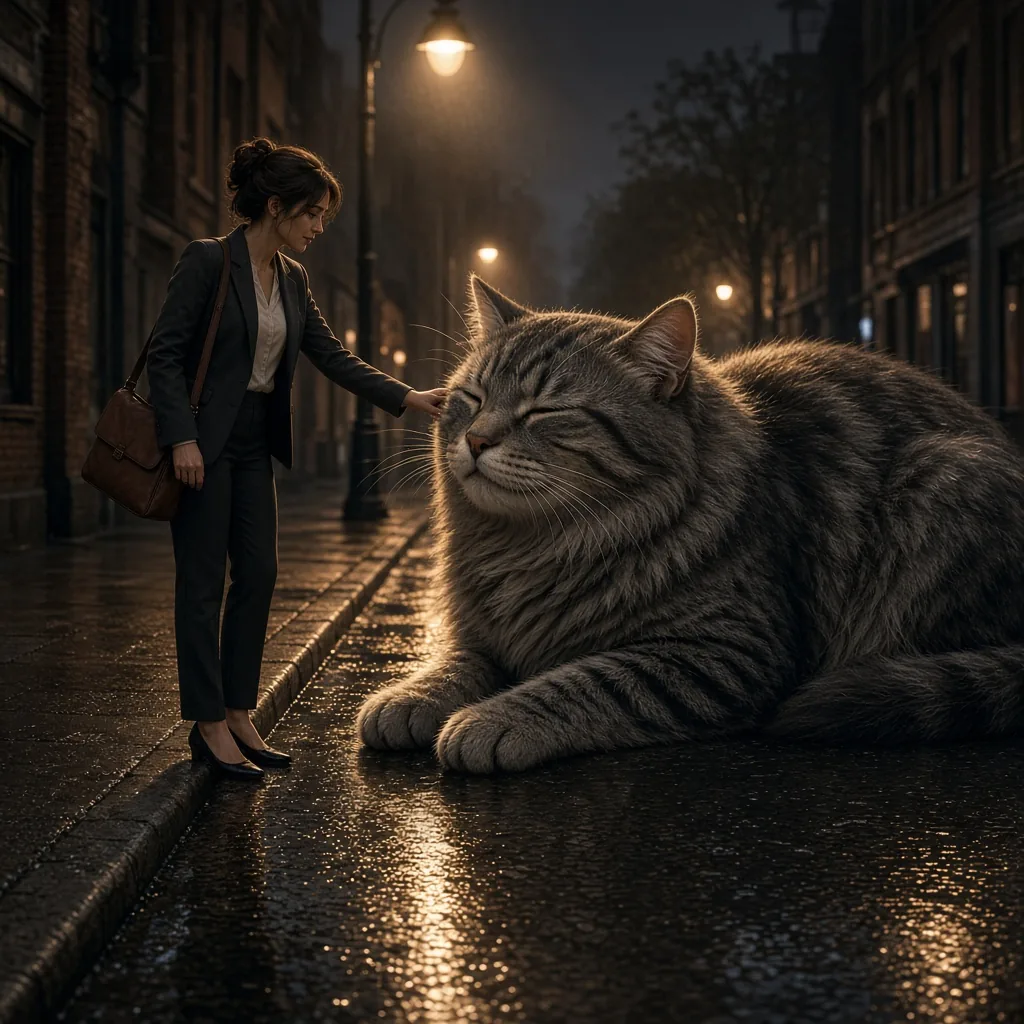
Our trend pages include a recipe: the prompt, a suggested model and step-by-step tips. See them all on our trends page.
Tips for trend videos that actually perform
- Open in motion. If the first second is a still frame, people scroll. Ask for movement that has already started.
- Use image-to-video for faces. Upload a clear, front-facing photo so the face comes from your picture, not the prompt.
- Match the length. Most trends land between 5 and 15 seconds. Don't pay for 30 seconds you won't use.
- Make two takes. Retries are cheap on template tools; pick the better one.
- Use your own photos. Only use photos of yourself or people who agreed. Don't impersonate real people or public figures.
- Add the trend's sound in-app. Post the clip natively on TikTok or Reels and pick the trending sound there, so the platform can link it to the trend.
FAQ
What is the best AI tool for TikTok trends?
trendai.video, because you pick a trend and upload a photo with no prompting. imageat is the better pick if you also make brand content, thanks to Trend Studio and its full model lineup.
Can I make TikTok trend videos for free?
PixVerse (60 credits plus 30 a day), Dreamina (120 credits a day in the US) and Google Flow (50 credits a day) all have free allowances, but free outputs are often watermarked or lower resolution.
How long should an AI TikTok trend video be?
Most trends run 5 to 15 seconds. Kling 4.0, Seedance 2.5 and Wan 3.0 can go up to 30 seconds if you need longer.
Do I need to write prompts?
Not on template tools like trendai.video or imageat's trends. For custom shots, our prompt library has tested prompts you can copy.
Can I use these videos for my business?
Usually on paid plans only. imageat's paid plans include commercial usage rights; check each tool's terms, and make sure you have rights to every photo you upload.