 Viral Trend Video
Wastewater Treatment Plant Process Poster
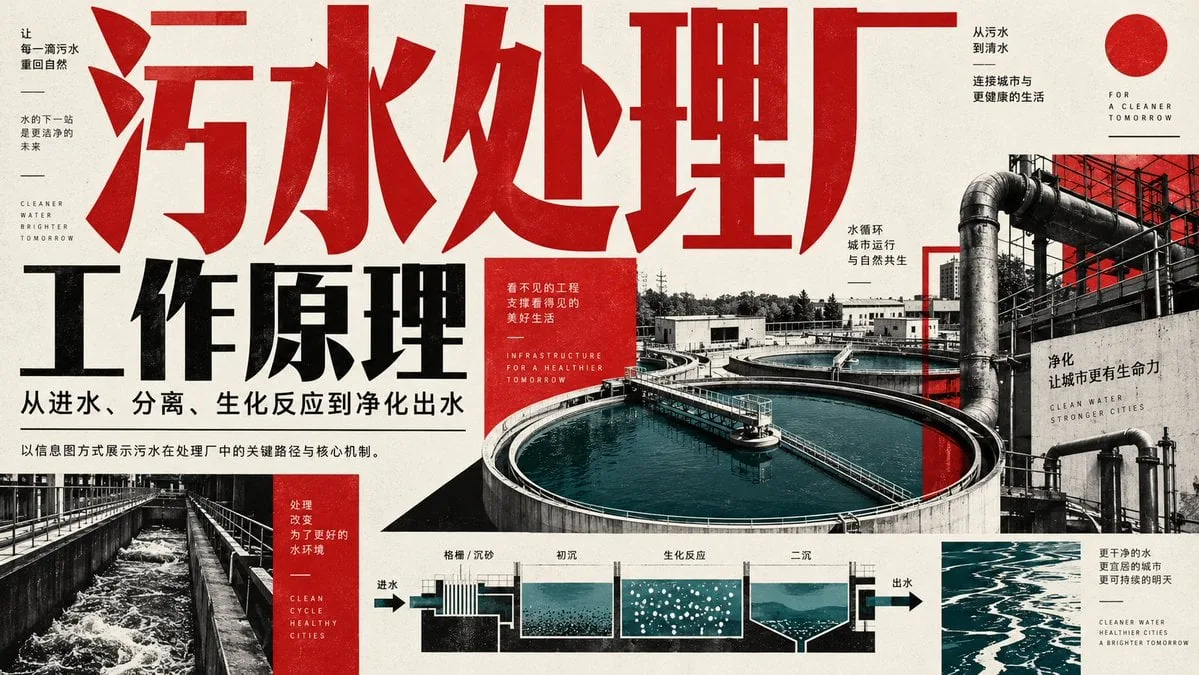
Designs a bold red, black and teal infographic explaining how a sewage treatment plant works, with Chinese headlines, aerial tank photos and a labeled process cross-section. Good for science and civic education.
Wastewater Treatment Plant Process Poster is a free GPT Image 2 infographic prompt. Copy it, swap in your own details.
Published: ·Prompt for: GPT Image 2
The full prompt
Create a horizontal infographic poster explaining the working principles of a wastewater treatment plant. The design style is industrial, modern, and high-contrast, utilizing a color palette of deep red, black, white, and teal/blue for water elements.

**Layout & Text Elements:**
1.  **Top Left/Center (Headline):** Large, bold, distressed red Chinese characters "污水处理厂" (Wastewater Treatment Plant) spanning across the top. Below it, large black bold text "工作原理" (Working Principles). Smaller black text underneath: "从进水、分离、生化反应到净化出水" (From influent, separation, biochemical reaction to purified effluent).
2.  **Left Sidebar:** Vertical layout with small text blocks. Top block: "让每一滴污水重回自然" (Let every drop of sewage return to nature), "水的下一站是更洁净的未来" (Water's next stop is a cleaner future), English text "CLEANER WATER BRIGHTER TOMORROW". Bottom block (red background): "处理改变为了更好的水环境" (Treatment changes for a better water environment), English text "CLEAN CYCLE HEALTHY CITIES".
3.  **Right Side (Background Image):** A large photographic collage showing an aerial view of circular clarifier tanks filled with blue-green water, connected by pipes and walkways. Overlay text on the right: "从污水到清水" (From sewage to clear water), "连接城市与更健康的生活" (Connecting cities with healthier lives), "FOR A CLEANER TOMORROW", "水循环 城市运行 与自然共生" (Water cycle, city operation, symbiosis with nature), "净化 让城市更有生命力" (Purification makes cities more vibrant), "CLEAN WATER STRONGER CITIES".
4.  **Bottom Center (Process Diagram):** A schematic cross-section diagram showing the flow of water through different stages. Arrows indicate direction from left to right. Labels above the sections: "格栅 / 沉砂" (Screening/Grit Chamber), "初沉" (Primary Sedimentation), "生化反应" (Biochemical Reaction - depicted with bubbles), "二沉" (Secondary Sedimentation). Labels at ends: "进水" (Influent) on left, "出水" (Effluent) on right.
5.  **Bottom Right:** Small text block: "更干净的水 更宜居的城市 更可持续的明天" (Cleaner water, more livable cities, more sustainable tomorrow), English text "CLEANER WATER HEALTHIER CITIES A BRIGHTER TOMORROW".
6.  **Center Red Box:** A small red square containing white text: "看不见的工程 支撑看得见的美好生活" (Invisible engineering supports visible good life), English text "INFRASTRUCTURE FOR A HEALTHIER TOMORROW".

**Visual Style Details:**
*   Use a grainy texture overlay on the entire image to give it a printed paper feel.
*   The typography should be heavy sans-serif for Chinese characters.
*   The water in the photos and diagrams should be a distinct teal/cyan color against the grayscale/red/black background.
Have it running in three steps
- Open GPT Image 2 or the image model you already use.
- Paste the prompt above.
- Generate a few versions and keep the best one.
What you’ll need
- A model: GPT Image 2
- The prompt on this page (use the Copy button)
The whole process
- Open GPT Image 2, or the image model you already use.
- Copy the prompt with the Copy button.
- Paste it in and generate a few versions.
- Keep the best result and tweak one detail at a time.
What’s in this prompt
It is a infographic prompt for GPT Image 2, 2,586 characters long.
Frequently asked questions
What is the Wastewater Treatment Plant Process Poster prompt?
Designs a bold red, black and teal infographic explaining how a sewage treatment plant works, with Chinese headlines, aerial tank photos and a labeled process cross-section. Good for science and civic education. It is a infographic prompt written for GPT Image 2.
How do I use the Wastewater Treatment Plant Process Poster prompt?
1. Open GPT Image 2, or the image model you already use. 2. Copy the prompt with the Copy button. 3. Paste it in and generate a few versions. 4. Keep the best result and tweak one detail at a time.
Which AI model is it for?
It is listed for GPT Image 2. We have not verified it on other models.
Is the prompt free to copy?
Yes, you can copy the prompt text from this page and use it in GPT Image 2 at no cost. Check the terms and pricing of the model you run it in.
When was it added?
It has been listed on Viral Trend Video since Sep 13, 2026. The example image above shows a result for this prompt.
How long is the prompt?
2,586 characters, about 357 words.
Where can I find more GPT Image 2 prompts?
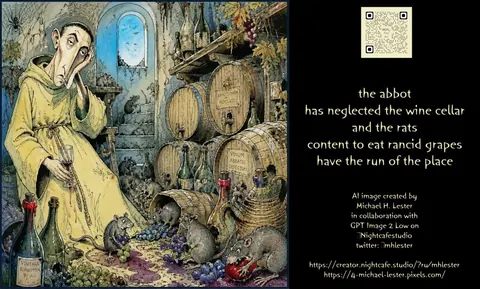
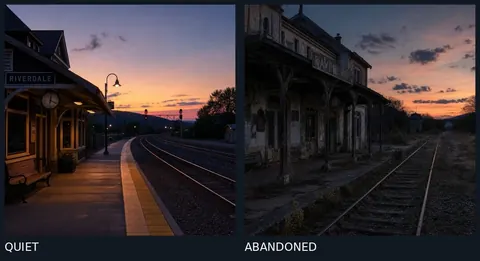
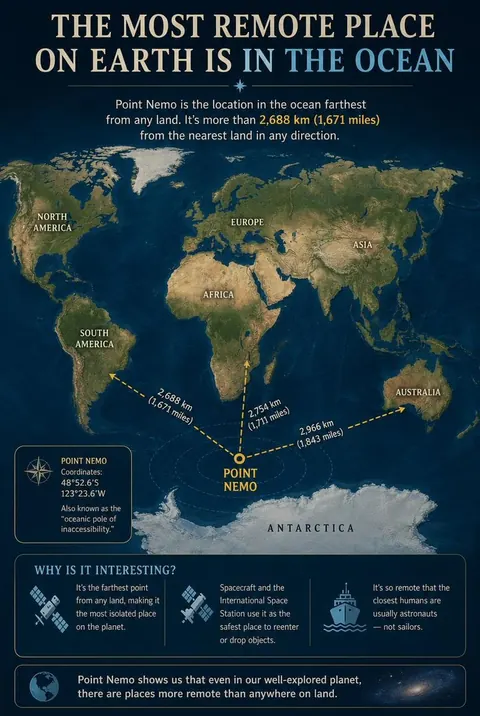
Browse all prompts on Viral Trend Video. Related: Haiku About Neglected Wine Cellar, Quiet vs Abandoned Train Station Comparison, Point Nemo Remote Ocean Map Infographic.
Haiku About Neglected Wine CellarQuiet vs Abandoned Train Station ComparisonPoint Nemo Remote Ocean Map InfographicAll prompts
Published · Updated
More GPT Image 2 prompts
Get the daily digest
New and shifting trends by email. No account needed. Prefer feeds? RSS · JSON
Sponsored Digest sponsor line: Your brand here (open slot)