 Viral Trend Video
Quiet vs Abandoned Train Station Comparison
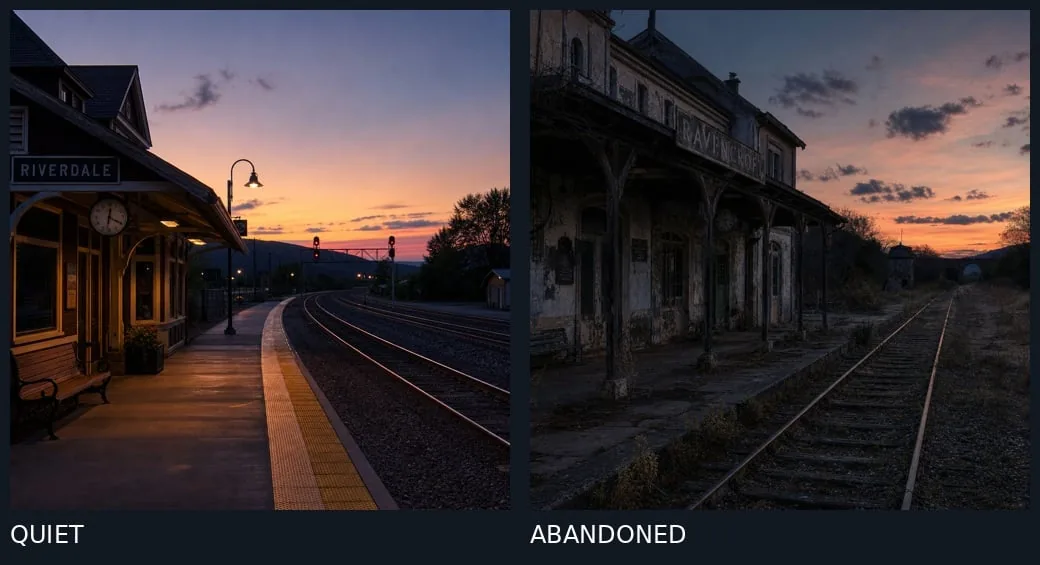
Creates a split-screen of two train stations at dusk, one tidy and warmly lit, the other overgrown and decaying, with bold labels underneath. Handy for before-and-after or contrast storytelling visuals.
Quiet vs Abandoned Train Station Comparison is a free GPT Image 2 infographic prompt. Copy it, swap in your own details.
Published: ·Prompt for: GPT Image 2
The full prompt
A split-screen comparison of two train station scenes at dusk, separated by a thin vertical line. Left panel: A quiet, well-maintained train station named "RIVERDALE" with warm yellow lighting under the platform canopy, a wooden bench, a round clock on the wall, clean concrete platform with yellow tactile paving edge, curved railway tracks leading into the distance, signal lights glowing red, and a vibrant sunset sky with orange and purple hues over distant hills. Right panel: An abandoned, dilapidated train station named "RAVENSBROOK" with peeling paint, broken windows, overgrown weeds and grass between cracked concrete platforms, rusted railway tracks, weathered wooden support beams, dark and eerie atmosphere, similar sunset sky but more muted and cloudy. Bottom labels: "QUIET" in white text on dark background beneath left image, "ABANDONED" in white text on dark background beneath right image.
Have it running in three steps
- Open GPT Image 2 or the image model you already use.
- Paste the prompt above.
- Generate a few versions and keep the best one.
What you’ll need
- A model: GPT Image 2
- The prompt on this page (use the Copy button)
The whole process
- Open GPT Image 2, or the image model you already use.
- Copy the prompt with the Copy button.
- Paste it in and generate a few versions.
- Keep the best result and tweak one detail at a time.
What’s in this prompt
It is a infographic prompt for GPT Image 2, 909 characters long.
Frequently asked questions
What is the Quiet vs Abandoned Train Station Comparison prompt?
Creates a split-screen of two train stations at dusk, one tidy and warmly lit, the other overgrown and decaying, with bold labels underneath. Handy for before-and-after or contrast storytelling visuals. It is a infographic prompt written for GPT Image 2.
How do I use the Quiet vs Abandoned Train Station Comparison prompt?
1. Open GPT Image 2, or the image model you already use. 2. Copy the prompt with the Copy button. 3. Paste it in and generate a few versions. 4. Keep the best result and tweak one detail at a time.
Which AI model is it for?
It is listed for GPT Image 2. We have not verified it on other models.
Is the prompt free to copy?
Yes, you can copy the prompt text from this page and use it in GPT Image 2 at no cost. Check the terms and pricing of the model you run it in.
When was it added?
It has been listed on Viral Trend Video since Oct 15, 2026. The example image above shows a result for this prompt.
How long is the prompt?
909 characters, about 137 words.
Where can I find more GPT Image 2 prompts?
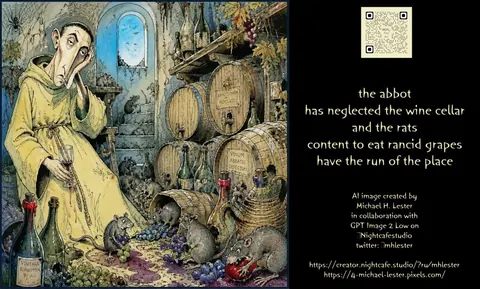
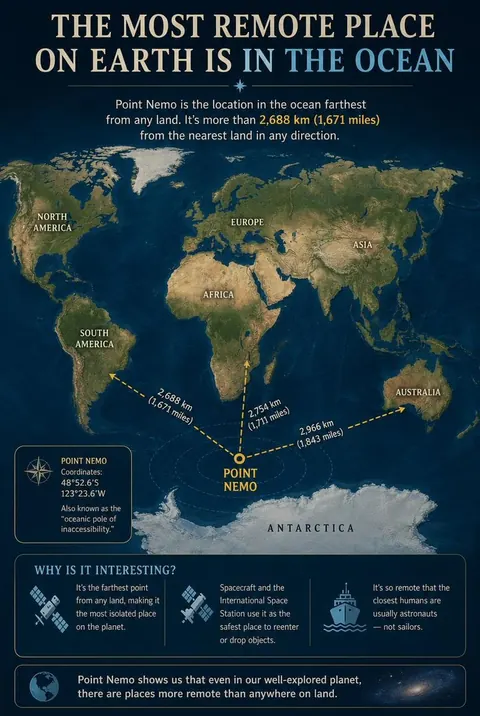
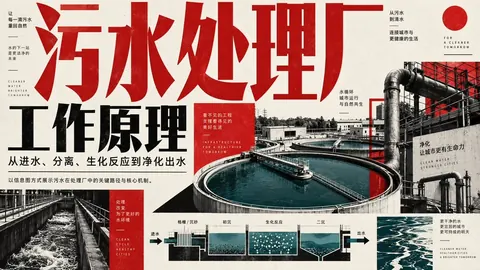
Browse all prompts on Viral Trend Video. Related: Haiku About Neglected Wine Cellar, Point Nemo Remote Ocean Map Infographic, Wastewater Treatment Plant Process Poster.
Haiku About Neglected Wine CellarPoint Nemo Remote Ocean Map InfographicWastewater Treatment Plant Process PosterAll prompts
Published · Updated
More GPT Image 2 prompts

Get the daily digest
New and shifting trends by email. No account needed. Prefer feeds? RSS · JSON
Sponsored Digest sponsor line: Your brand here (open slot)