 Viral Trend Video
GPT Image 2 Prompt Length Comparison
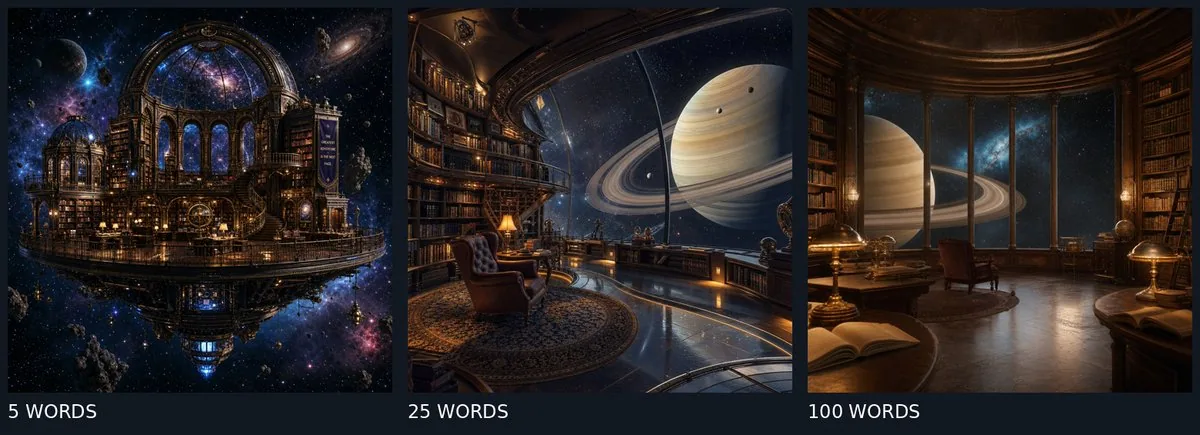
A side-by-side visual comparison showing how GPT Image 2 renders a space library concept using 5-word, 25-word, and 100-word prompts.
GPT Image 2 Prompt Length Comparison is a free GPT Image 2 social post prompt for Social Media Post. Copy it, swap in your own details, and credit Human.exe.
Published: ·Prompt for: GPT Image 2
The full prompt
A horizontal triptych comparison image with a dark navy background, divided into three equal vertical panels. Each panel displays a photorealistic 3D render of a fantastical 'Space Library' scene, illustrating the difference in prompt complexity.

Left Panel: Labeled "5 WORDS" at the bottom in white sans-serif text. The image shows an exterior wide shot of a grand, ornate library building floating in deep space. It features a large glass dome revealing a galaxy interior, surrounded by nebulae and stars, with a reflection on a water-like surface below.

Center Panel: Labeled "25 WORDS" at the bottom. The image is an interior perspective looking out through a massive curved window at a giant ringed planet (resembling Saturn). Inside, there are tall wooden bookshelves lining the walls, a cozy leather armchair, a small table with a lamp, and a patterned rug on a polished floor.

Right Panel: Labeled "100 WORDS" at the bottom. The image is a close-up interior detail shot featuring a wooden desk with an open book, a brass banker's lamp, and a globe. Behind it, large arched windows look out onto the same ringed planet and starry sky, with warm lighting contrasting against the cool blue space background.
Have it running in three steps
- Open GPT Image 2 or the image model you already use.
- Paste the prompt above.
- Generate a few versions and keep the best one.
What you’ll need
- A model: GPT Image 2
- The prompt on this page (use the Copy button)
The whole process
- Open GPT Image 2, or the image model you already use.
- Copy the prompt with the Copy button.
- Paste it in and generate a few versions.
- Keep the best result and tweak one detail at a time.
What’s in this prompt
It is a social post prompt for GPT Image 2, 1,215 characters long.
Frequently asked questions
What is the GPT Image 2 Prompt Length Comparison prompt?
A side-by-side visual comparison showing how GPT Image 2 renders a space library concept using 5-word, 25-word, and 100-word prompts. It is a social post prompt written for GPT Image 2, for Social Media Post.
How do I use the GPT Image 2 Prompt Length Comparison prompt?
1. Open GPT Image 2, or the image model you already use. 2. Copy the prompt with the Copy button. 3. Paste it in and generate a few versions. 4. Keep the best result and tweak one detail at a time.
Which AI model is it for?
It is listed for GPT Image 2. We have not verified it on other models.
Is the prompt free?
Yes. It is shared under CC BY 4.0 by Human.exe via awesome-gpt-image-2. You can copy and adapt it, keeping the credit to the creator.
Who created it?
Human.exe, published Oct 21, 2026. Collected by awesome-gpt-image-2 (YouMind OpenLab).
How long is the prompt?
1,215 characters, about 198 words.
Where can I find more GPT Image 2 prompts?
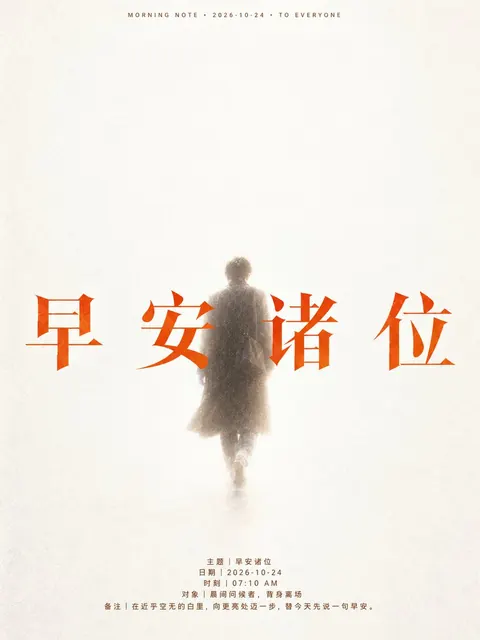
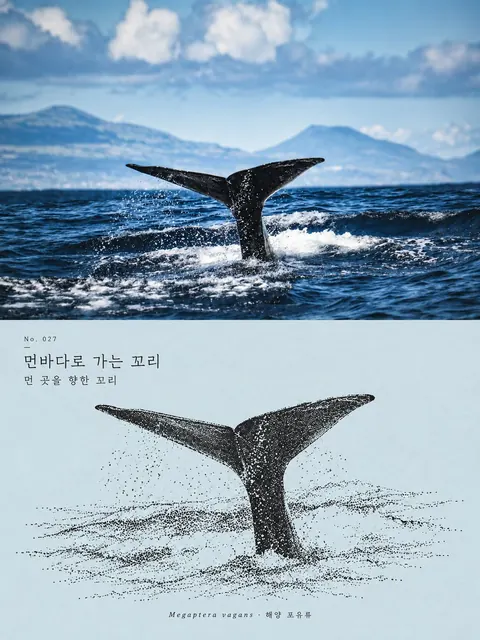
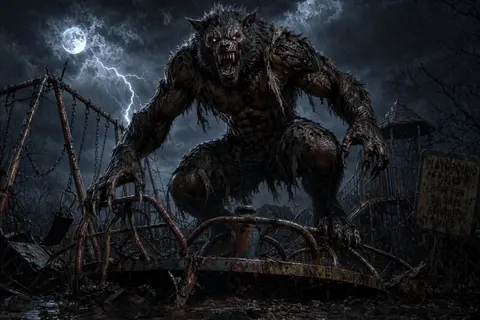
Browse all prompts on Viral Trend Video. Related: Ethereal Good Morning Poster, Whale Tail Photo & Ink Illustration Diptych, Werewolf on a Rusted Playground Horror.
Ethereal Good Morning PosterWhale Tail Photo & Ink Illustration DiptychWerewolf on a Rusted Playground HorrorAll prompts
Published
More GPT Image 2 prompts
Get the daily digest
New and shifting trends by email. No account needed. Prefer feeds? RSS · JSON
Sponsored Digest sponsor line: Your brand here (open slot)
Prompt by Human.exe · via YouMind OpenLab · CC BY 4.0 · Credits