 Viral Trend Video
Multi-Concept AI Evolution
A complex, multi-part JSON prompt designed to generate three distinct images: a mythic 'ImagineArt Goddess' in cosmic armor, a futuristic 'ChatGPT Orb Library,' and 'Dual Cyborg Knowledge Entities' in space, showcasing different AI art concepts.
Multi-Concept AI Evolution is a free GPT Image thumbnail prompt. Copy it, swap in your own details.
Published: ·Prompt for: GPT Image
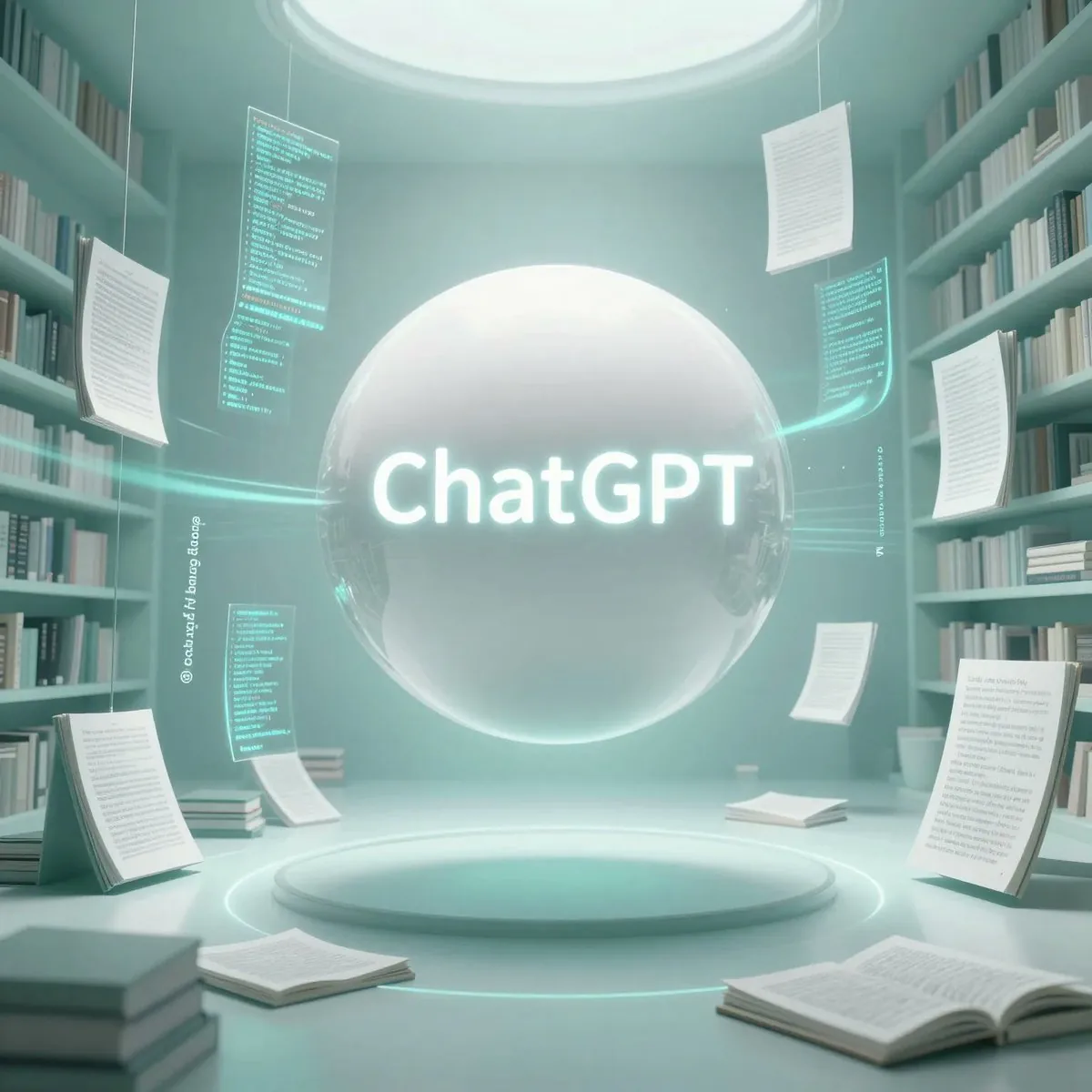
The full prompt
[
  {
    "title": "ImagineArt Goddess",
    "subject": "Divine celestial female figure",
    "appearance": {
      "gender": "female",
      "skin": "pale",
      "hair": "long black, flowing",
      "face": "calm expression, eyes closed",
      "body": "slender, elegant posture"
    },
    "clothing": {
      "style": "ornate royal robes",
      "color": ["black", "gold"],
      "details": "elaborate gold armor-like patterns on chest, shoulders, and waist"
    },
    "accessories": {
      "headpiece": "large golden ornate crown with rays",
      "bracelets": "gold arm cuffs",
      "hand_effects": "glowing cosmic energy, colorful light streaks"
    },
    "environment": {
      "type": "cosmic galaxy backdrop",
      "elements": [
        "nebula clouds",
        "stars",
        "colorful cosmic dust",
        "electric lightning-like streaks"
      ],
      "color_palette": ["purple", "blue", "pink", "green", "gold"]
    },
    "foreground": {
      "text": "{argument name="text overlay 1" default="ImagineArt"}",
      "style": "ornate golden script typography",
      "subtitle": "ImagineArt — Dreamline Generative Muse"
    },
    "mood": "mythic, divine, majestic, surreal",
    "lighting": "dramatic glowing lighting",
    "camera": {
      "framing": "full body, centered",
      "angle": "straight on"
    }
  },
  {
    "title": "ChatGPT Orb Library",
    "subject": "Glowing AI orb in futuristic library",
    "objects": {
      "main": "large floating white orb",
      "floating_docs": "papers and data sheets with code and text"
    },
    "text": {
      "main_label": "{argument name="text overlay 2" default="ChatGPT"}",
      "style": "bright neon teal glow"
    },
    "environment": {
      "location": "circular modern library",
      "surroundings": "bookshelves, open books, papers suspended in mid-air"
    },
    "color_palette": ["white", "light teal", "mint", "gray"],
    "lighting": "soft ambient, glowing highlights",
    "mood": "clean, futuristic, intelligent, serene",
    "camera": {
      "framing": "medium-wide",
      "angle": "slightly low angle"
    },
    "style": "futuristic, minimal, high-tech"
  },
  {
    "title": "Dual Cyborg Knowledge Entities",
    "subjects": [
      {
        "type": "futuristic cyborg",
        "color_scheme": "blue",
        "pose": "standing back to back"
      },
      {
        "type": "futuristic cyborg",
        "color_scheme": "gold",
        "pose": "standing back to back"
      }
    ],
    "appearance": {
      "build": "humanoid, detailed cybernetic body structure",
      "material": "metallic with glowing circuits"
    },
    "environment": {
      "background": "outer space with stars and warm clouds",
      "floating_elements": "holographic data cards with symbols and equations"
    }
Have it running in three steps
- Open GPT Image or the image model you already use.
- Paste the prompt above and fill in the [brackets].
- Generate a few versions and keep the best one.
What you’ll need
- A model: GPT Image
- The prompt on this page (use the Copy button)
- Your own details for the 3 placeholders in [brackets]
The whole process
- Open GPT Image, or the image model you already use.
- Copy the prompt with the Copy button.
- Replace the 3 placeholders in [brackets] with your own details.
- Paste it in and generate a few versions.
- Keep the best result and tweak one detail at a time.
What’s in this prompt
It is a thumbnail prompt for GPT Image, 2,797 characters long, with 3 placeholders you can change: ["black", "gold"], ["purple", "blue", "pink", "green", "gold"], ["white", "light teal", "mint", "gray"].
Frequently asked questions
What is the Multi-Concept AI Evolution prompt?
A complex, multi-part JSON prompt designed to generate three distinct images: a mythic 'ImagineArt Goddess' in cosmic armor, a futuristic 'ChatGPT Orb Library,' and 'Dual Cyborg Knowledge Entities' in space, showcasing different AI art concepts. It is a thumbnail prompt written for GPT Image.
How do I use the Multi-Concept AI Evolution prompt?
1. Open GPT Image, or the image model you already use. 2. Copy the prompt with the Copy button. 3. Replace the 3 placeholders in [brackets] with your own details. 4. Paste it in and generate a few versions. 5. Keep the best result and tweak one detail at a time.
Which AI model is it for?
It is listed for GPT Image. We have not verified it on other models.
Is the prompt free to copy?
Yes, you can copy the prompt text from this page and use it in GPT Image at no cost. Check the terms and pricing of the model you run it in.
What can I change in it?
The prompt has 3 placeholders in [brackets]: ["black", "gold"], ["purple", "blue", "pink", "green", "gold"], ["white", "light teal", "mint", "gray"]. Replace them with your own subject, text or details.
When was it added?
It has been listed on Viral Trend Video since Jan 23, 2026. The example image above shows a result for this prompt.
How long is the prompt?
2,797 characters, about 290 words.
Where can I find more GPT Image prompts?
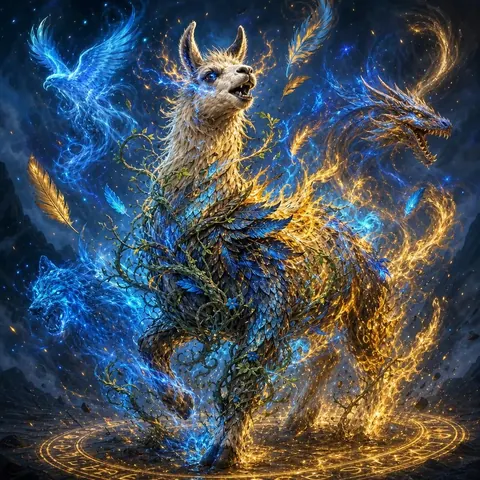
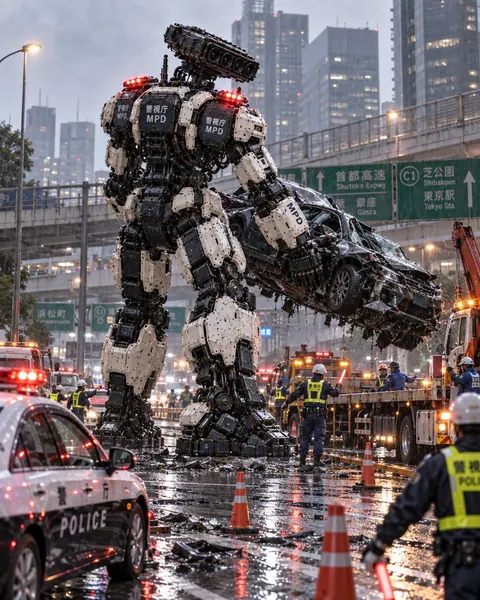
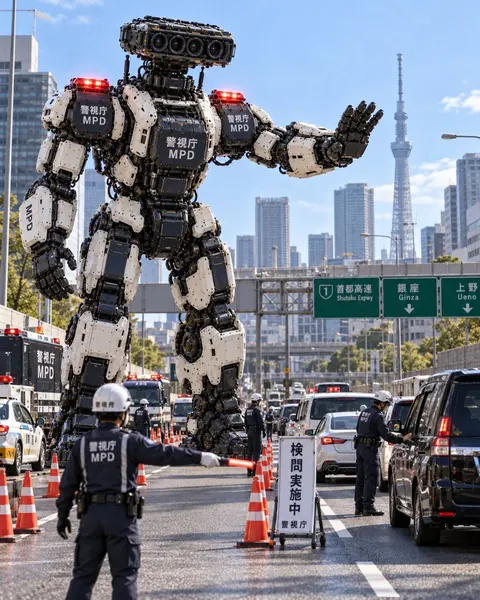
Browse all prompts on Viral Trend Video. Related: Llama Wild Magic Transformation Fantasy, Police Mech Lifting a Crushed Car on a Highway, Police Robot Running a Tokyo Checkpoint.
Llama Wild Magic Transformation FantasyPolice Mech Lifting a Crushed Car on a HighwayPolice Robot Running a Tokyo CheckpointAll prompts
Published
More GPT Image prompts
Get the daily digest
New and shifting trends by email. No account needed. Prefer feeds? RSS · JSON
Sponsored Digest sponsor line: Your brand here (open slot)